Reporting Portal Page-by-Page Guide (35 Pages)
This guide is written for end users. Every section covers one page with a screenshot, purpose, and practical usage details.
How to Use This Guide
- Open the page you need from the table of contents.
- Confirm your role access: Business intelligence, compliance, and operations analysts.
- Follow the usage steps and notes on that page section.
Page Walkthroughs
1. Dashboard
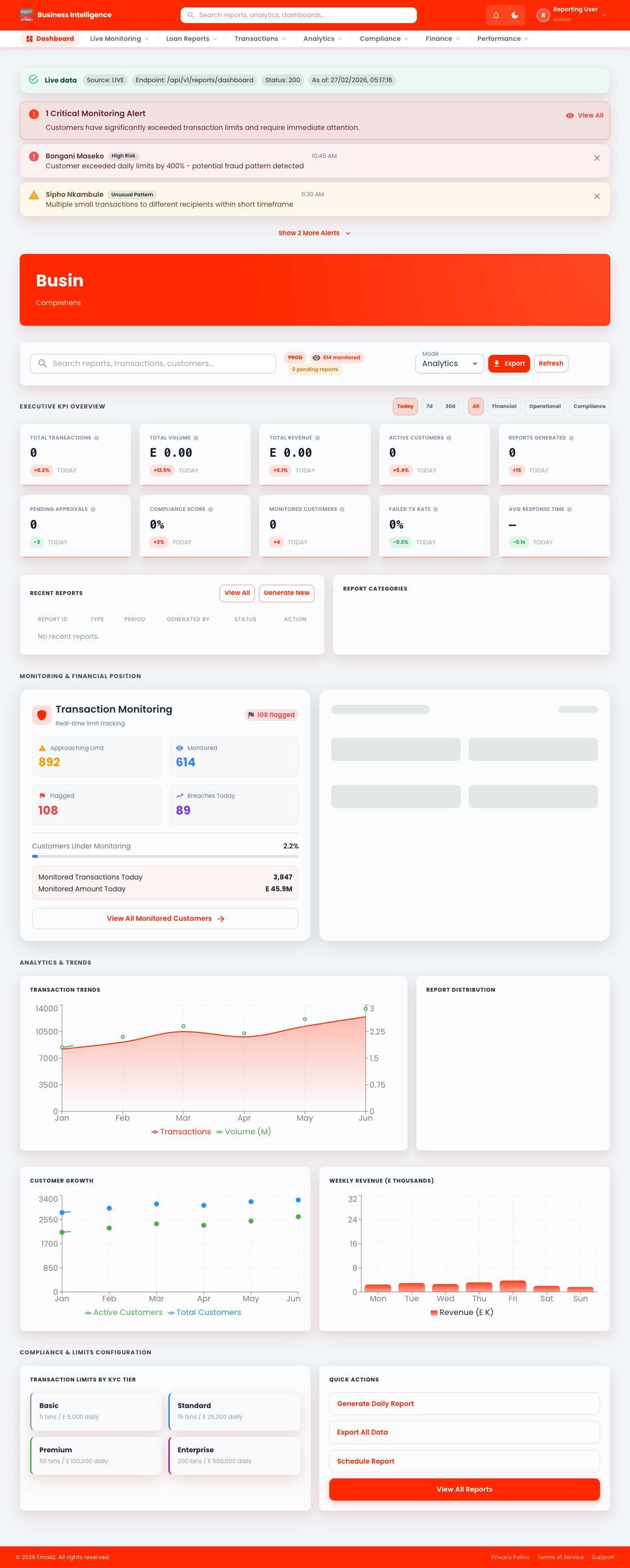
- Page URL:
/app - Who this page is for: Business intelligence, compliance, and operations analysts
- What this page is for: Review dashboard KPIs and open core workflows.
- Navigation behavior: Opens directly on
/app.
What You Can Do Here
- Review summary cards, status chips, and alerts at the top of the page.
- Use filters, search fields, and quick actions to locate the right records.
- Use on-page actions to complete your task and verify the resulting state.
Current Behavior Notes
- Validation status: OK
- Observed note: Page loads with expected primary UI components in the test environment.
2. Loans
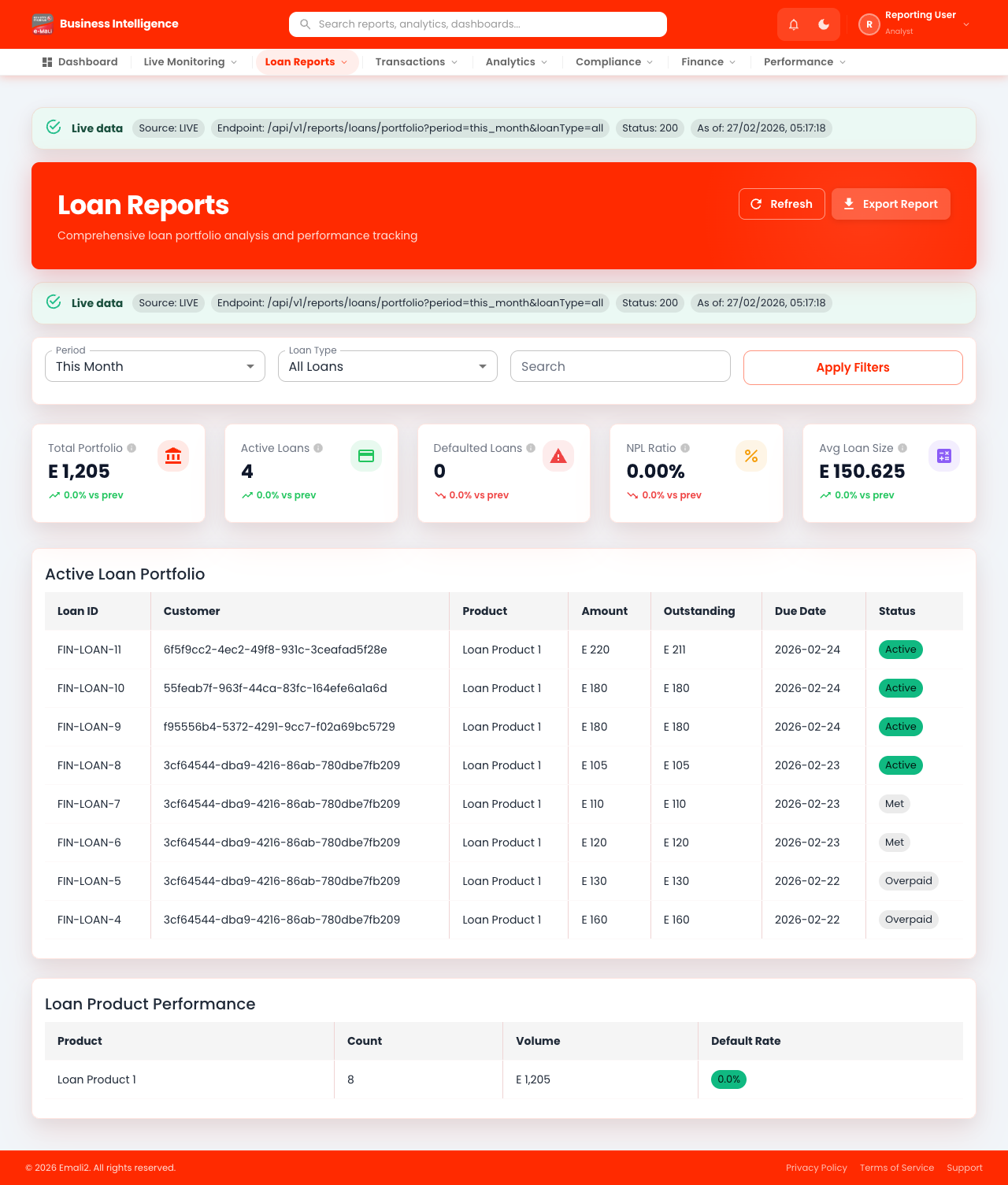
- Page URL:
/app/loans - Who this page is for: Business intelligence, compliance, and operations analysts
- What this page is for: Manage loan products, offers, applications, and performance.
- Navigation behavior: Opens directly on
/app/loans.
What You Can Do Here
- Review summary cards, status chips, and alerts at the top of the page.
- Use filters, search fields, and quick actions to locate the right records.
- Use on-page actions to complete your task and verify the resulting state.
Current Behavior Notes
- Validation status: OK
- Observed note: Page loads with expected primary UI components in the test environment.
3. Loans - Itemized Lending
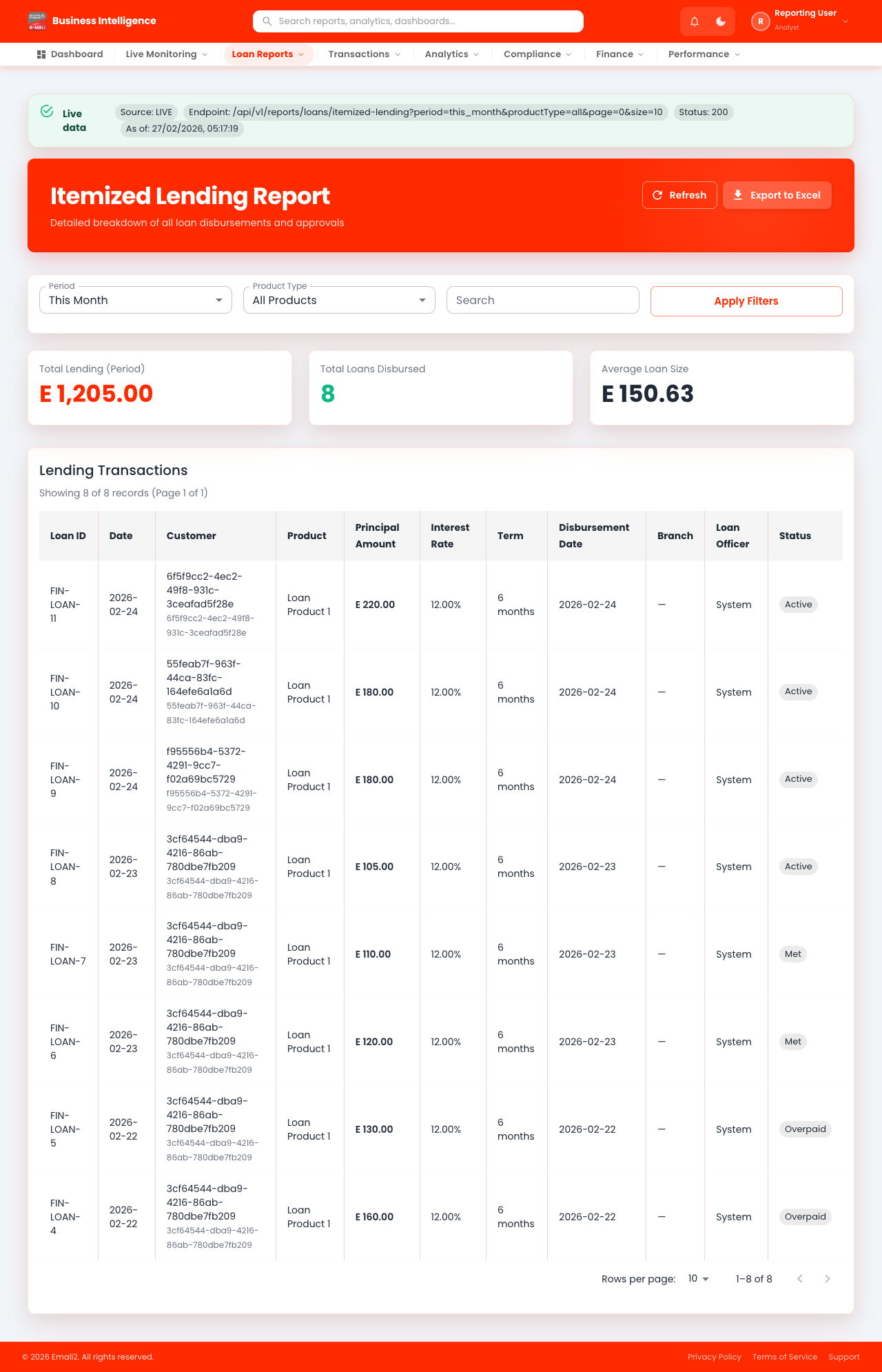
- Page URL:
/app/loans/itemized-lending - Who this page is for: Business intelligence, compliance, and operations analysts
- What this page is for: Manage loan products, offers, applications, and performance.
- Navigation behavior: Opens directly on
/app/loans/itemized-lending.
What You Can Do Here
- Review summary cards, status chips, and alerts at the top of the page.
- Use filters, search fields, and quick actions to locate the right records.
- Use on-page actions to complete your task and verify the resulting state.
Current Behavior Notes
- Validation status: OK
- Observed note: Page loads with expected primary UI components in the test environment.
4. Loans - Itemized Recovery
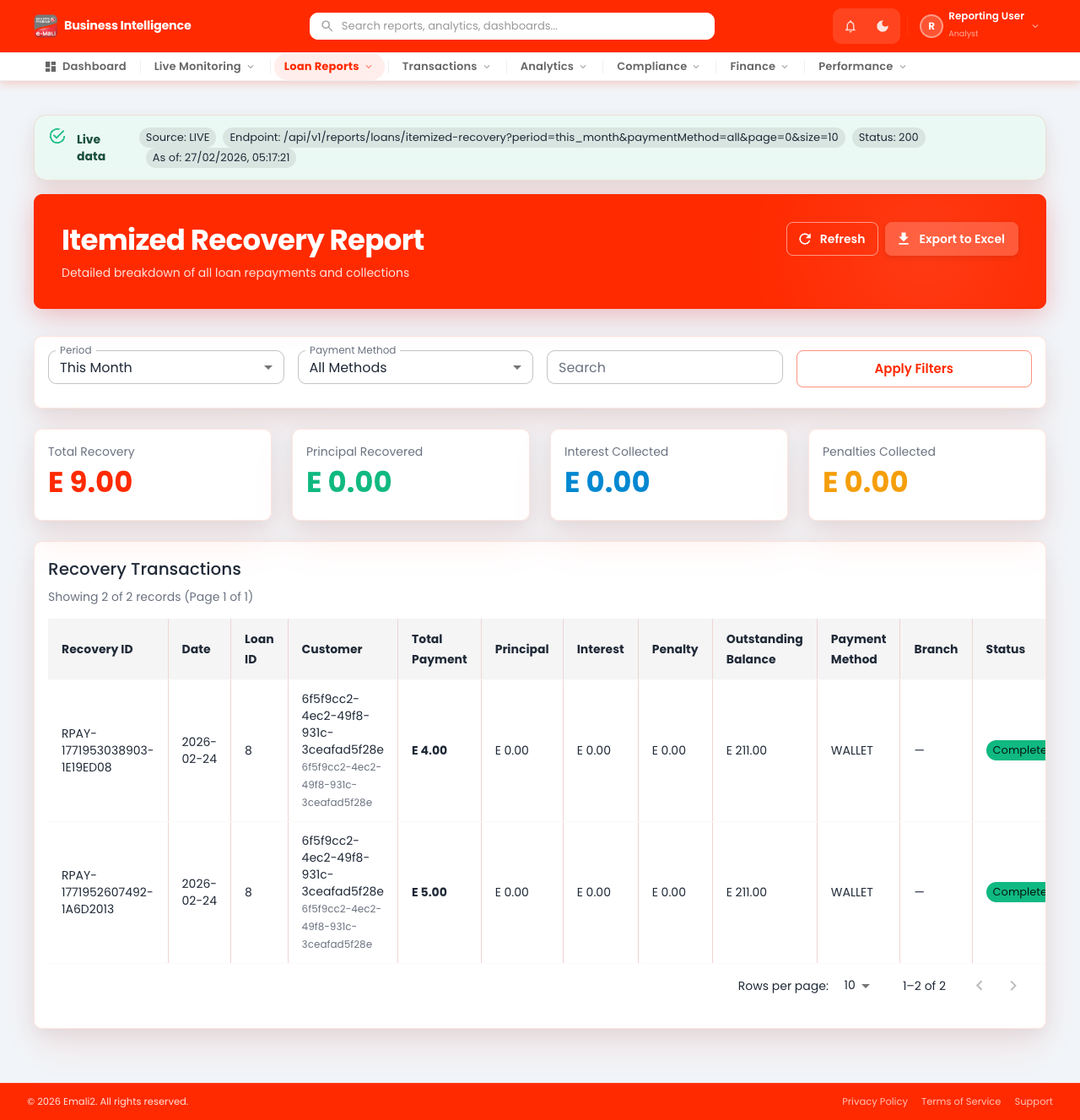
- Page URL:
/app/loans/itemized-recovery - Who this page is for: Business intelligence, compliance, and operations analysts
- What this page is for: Manage loan products, offers, applications, and performance.
- Navigation behavior: Opens directly on
/app/loans/itemized-recovery.
What You Can Do Here
- Review summary cards, status chips, and alerts at the top of the page.
- Use filters, search fields, and quick actions to locate the right records.
- Use on-page actions to complete your task and verify the resulting state.
Current Behavior Notes
- Validation status: OK
- Observed note: Page loads with expected primary UI components in the test environment.
5. Loans - Summary Lending
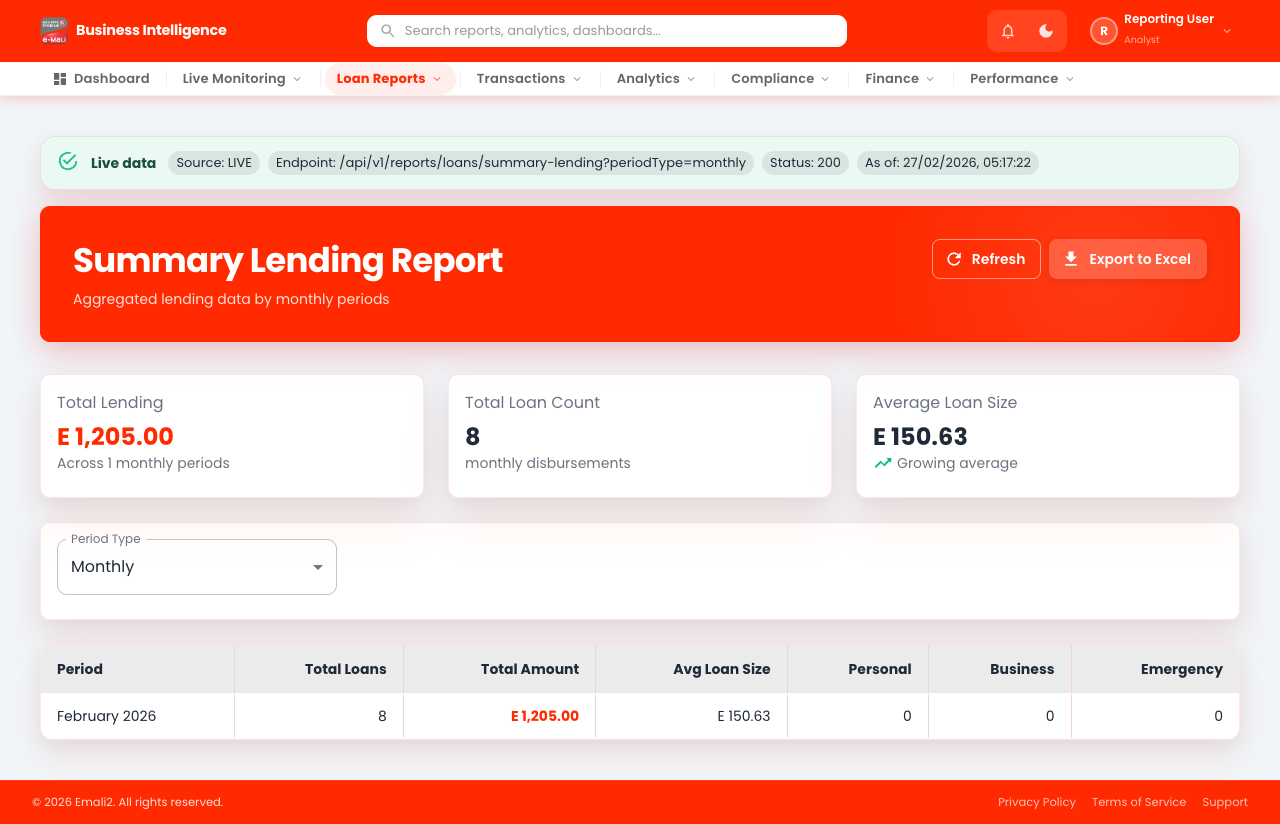
- Page URL:
/app/loans/summary-lending - Who this page is for: Business intelligence, compliance, and operations analysts
- What this page is for: Manage loan products, offers, applications, and performance.
- Navigation behavior: Opens directly on
/app/loans/summary-lending.
What You Can Do Here
- Review summary cards, status chips, and alerts at the top of the page.
- Use filters, search fields, and quick actions to locate the right records.
- Use on-page actions to complete your task and verify the resulting state.
Current Behavior Notes
- Validation status: OK
- Observed note: Page loads with expected primary UI components in the test environment.
6. Loans - Summary Recovery
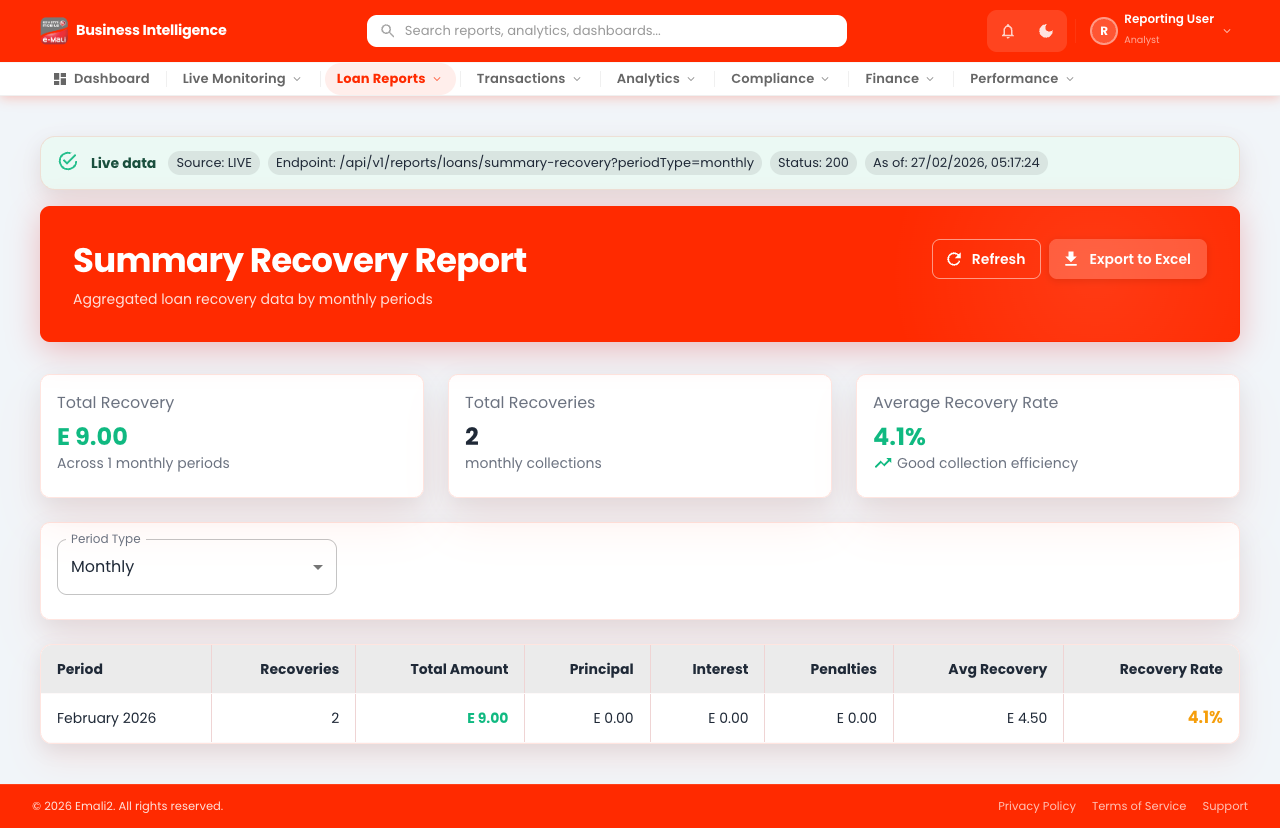
- Page URL:
/app/loans/summary-recovery - Who this page is for: Business intelligence, compliance, and operations analysts
- What this page is for: Manage loan products, offers, applications, and performance.
- Navigation behavior: Opens directly on
/app/loans/summary-recovery.
What You Can Do Here
- Review summary cards, status chips, and alerts at the top of the page.
- Use filters, search fields, and quick actions to locate the right records.
- Use on-page actions to complete your task and verify the resulting state.
Current Behavior Notes
- Validation status: OK
- Observed note: Page loads with expected primary UI components in the test environment.
7. Loans - Lending Rate
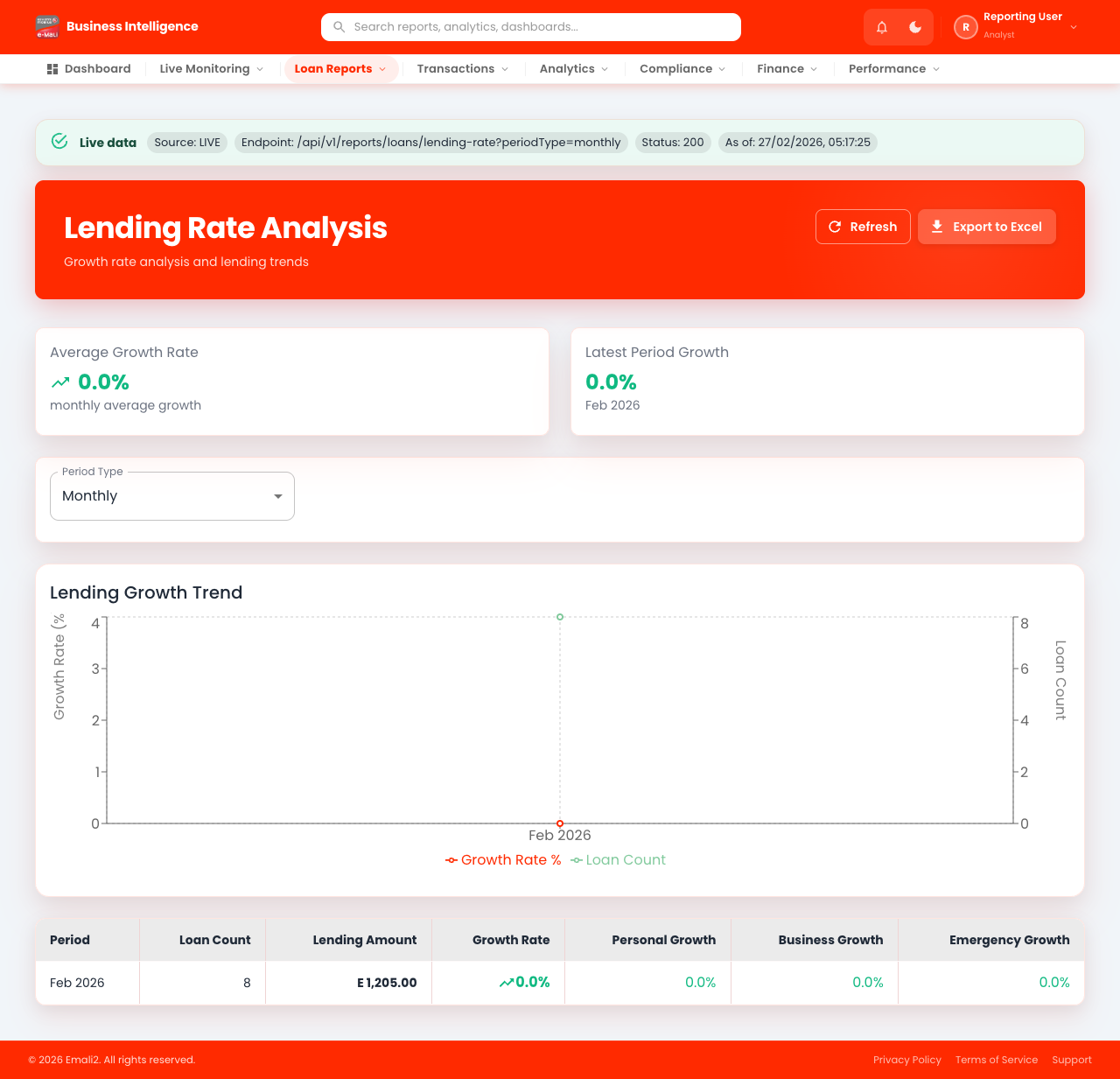
- Page URL:
/app/loans/lending-rate - Who this page is for: Business intelligence, compliance, and operations analysts
- What this page is for: Manage loan products, offers, applications, and performance.
- Navigation behavior: Opens directly on
/app/loans/lending-rate.
What You Can Do Here
- Review summary cards, status chips, and alerts at the top of the page.
- Use filters, search fields, and quick actions to locate the right records.
- Use on-page actions to complete your task and verify the resulting state.
Current Behavior Notes
- Validation status: OK
- Observed note: Page loads with expected primary UI components in the test environment.
8. Loans - Recovery Rate
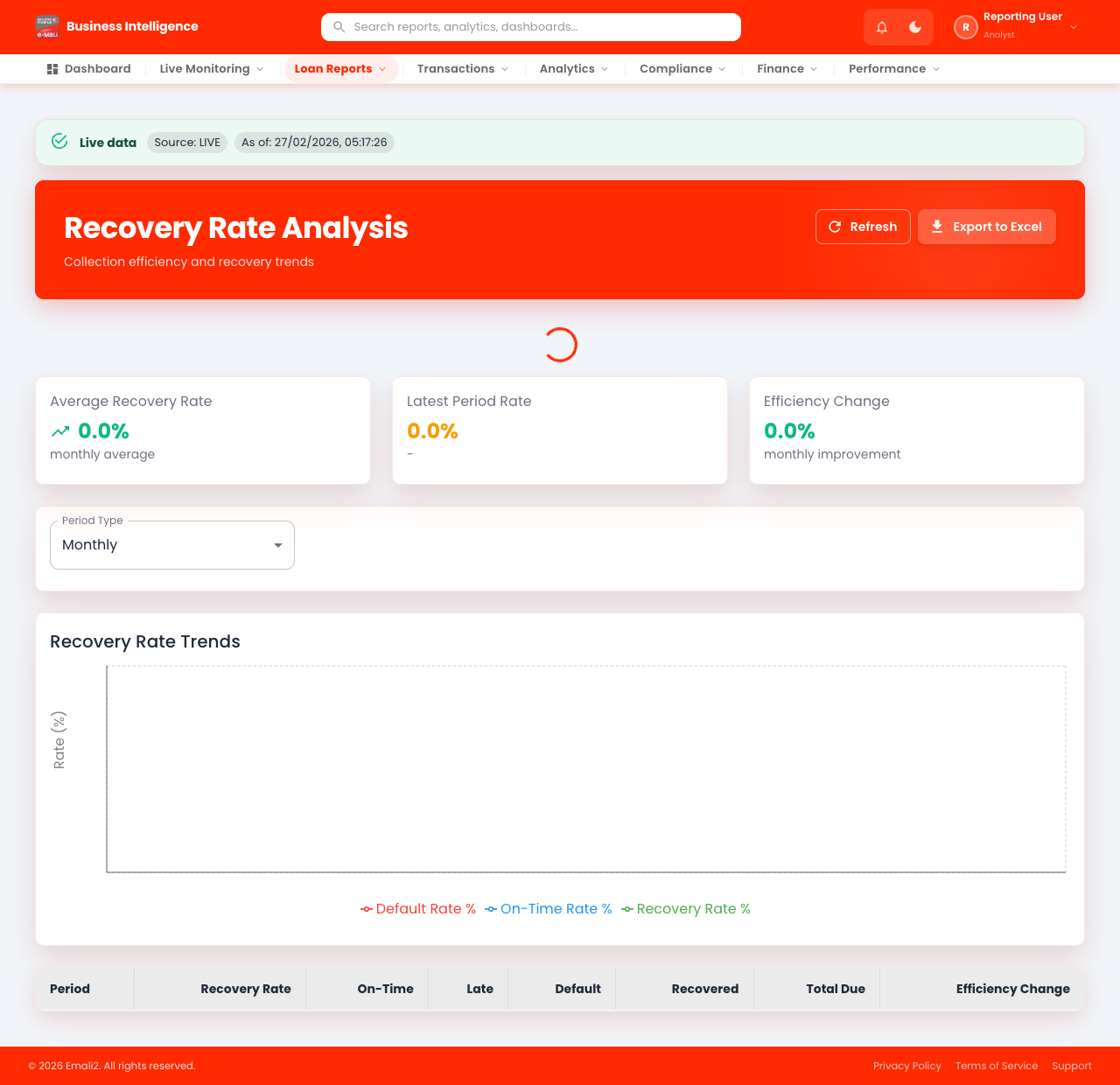
- Page URL:
/app/loans/recovery-rate - Who this page is for: Business intelligence, compliance, and operations analysts
- What this page is for: Manage loan products, offers, applications, and performance.
- Navigation behavior: Opens directly on
/app/loans/recovery-rate.
What You Can Do Here
- Review summary cards, status chips, and alerts at the top of the page.
- Use filters, search fields, and quick actions to locate the right records.
- Use on-page actions to complete your task and verify the resulting state.
Current Behavior Notes
- Validation status: OK
- Observed note: Page loads with expected primary UI components in the test environment.
9. Transactions
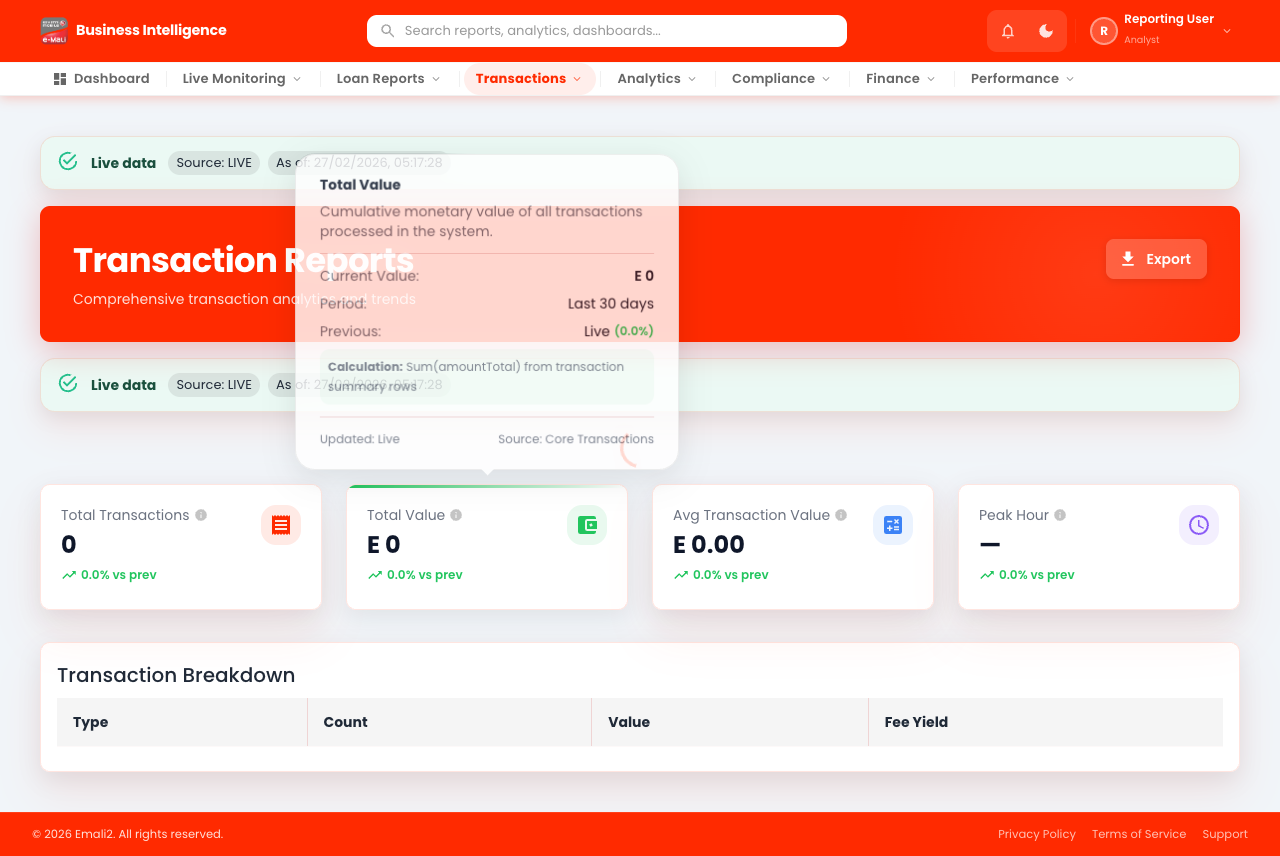
- Page URL:
/app/transactions - Who this page is for: Business intelligence, compliance, and operations analysts
- What this page is for: Search, filter, and investigate transactions.
- Navigation behavior: Opens directly on
/app/transactions.
What You Can Do Here
- Review summary cards, status chips, and alerts at the top of the page.
- Use filters, search fields, and quick actions to locate the right records.
- Use on-page actions to complete your task and verify the resulting state.
Current Behavior Notes
- Validation status: OK
- Observed note: Page loads with expected primary UI components in the test environment.
10. Reversals
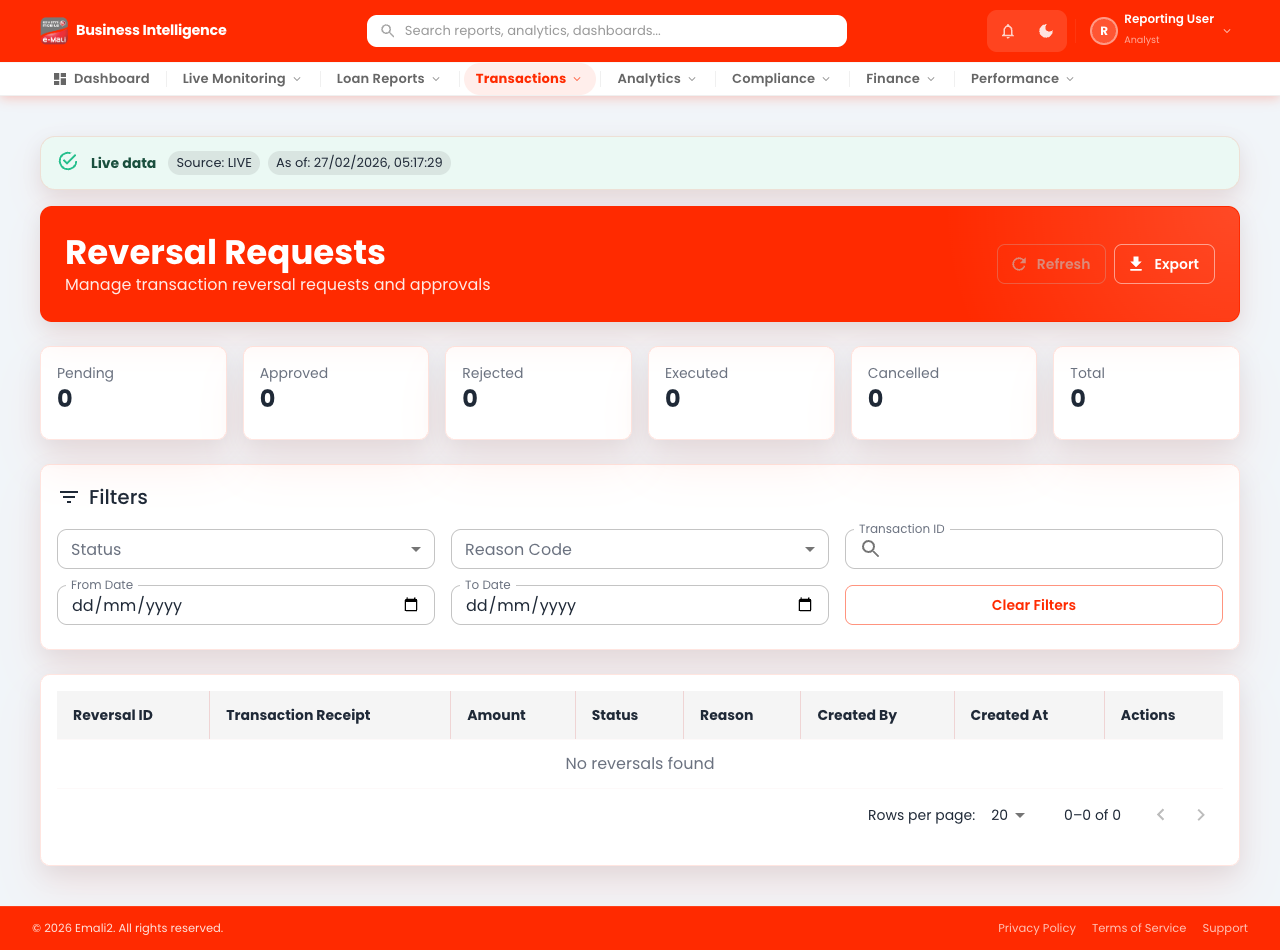
- Page URL:
/app/reversals - Who this page is for: Business intelligence, compliance, and operations analysts
- What this page is for: Review and manage reversal records.
- Navigation behavior: Opens directly on
/app/reversals.
What You Can Do Here
- Review summary cards, status chips, and alerts at the top of the page.
- Use filters, search fields, and quick actions to locate the right records.
- Use on-page actions to complete your task and verify the resulting state.
Current Behavior Notes
- Validation status: OK
- Observed note: Page loads with expected primary UI components in the test environment.
11. Reversals Detail
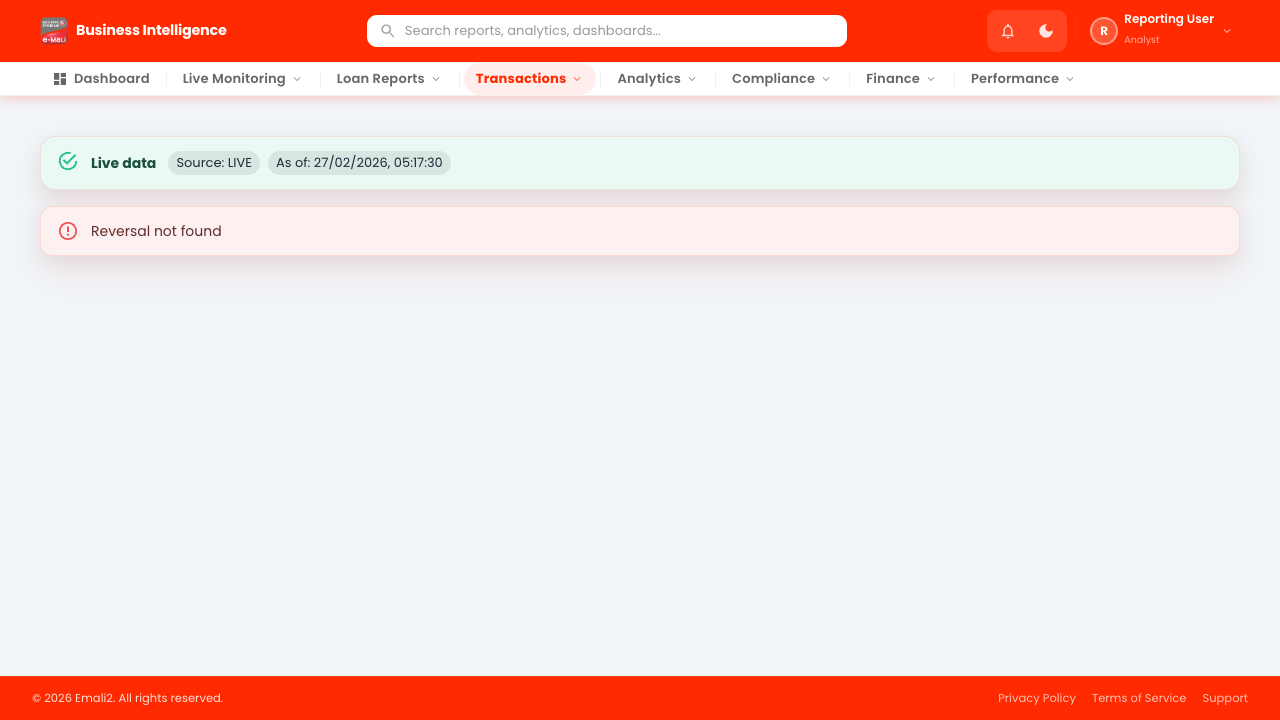
- Page URL:
/app/reversals/REV-001 - Who this page is for: Business intelligence, compliance, and operations analysts
- What this page is for: Review and manage reversal records (detail view).
- Navigation behavior: Opens directly on
/app/reversals/REV-001.
What You Can Do Here
- Review summary cards, status chips, and alerts at the top of the page.
- Open this view from the parent list using a valid live record ID.
- Use on-page actions to complete your task and verify the resulting state.
Current Behavior Notes
- Validation status: Needs Attention
- Observed note: Page displayed a not-found state (likely requires a live detail ID). Console errors observed: 1
- Access tip: Use a real live record ID from the parent list before opening this detail page.
12. Analytics
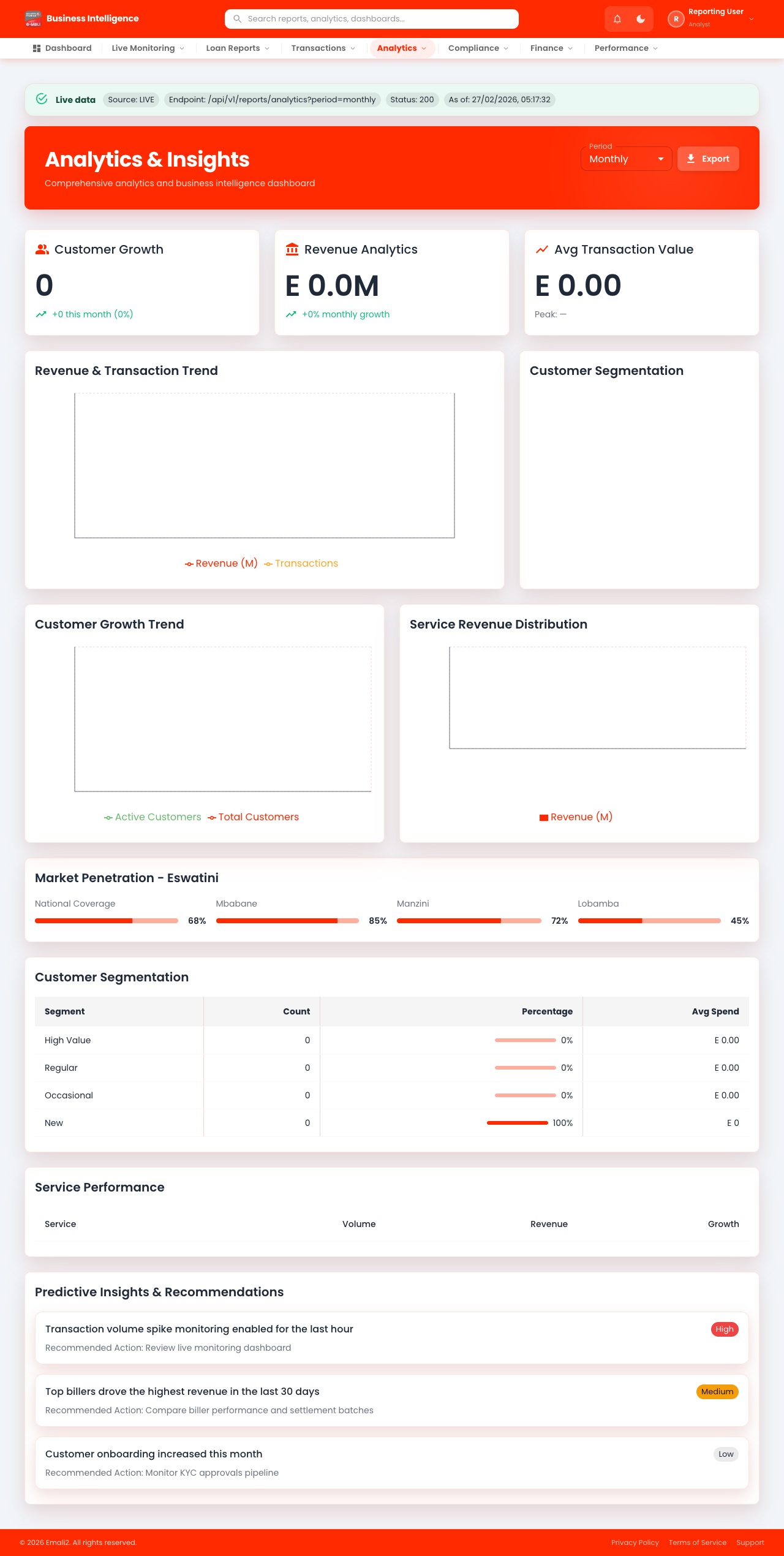
- Page URL:
/app/analytics - Who this page is for: Business intelligence, compliance, and operations analysts
- What this page is for: Review analytics dashboards and trend views.
- Navigation behavior: Opens directly on
/app/analytics.
What You Can Do Here
- Review summary cards, status chips, and alerts at the top of the page.
- Use filters, search fields, and quick actions to locate the right records.
- Use on-page actions to complete your task and verify the resulting state.
Current Behavior Notes
- Validation status: OK
- Observed note: Page loads with expected primary UI components in the test environment.
13. Flagged Customers
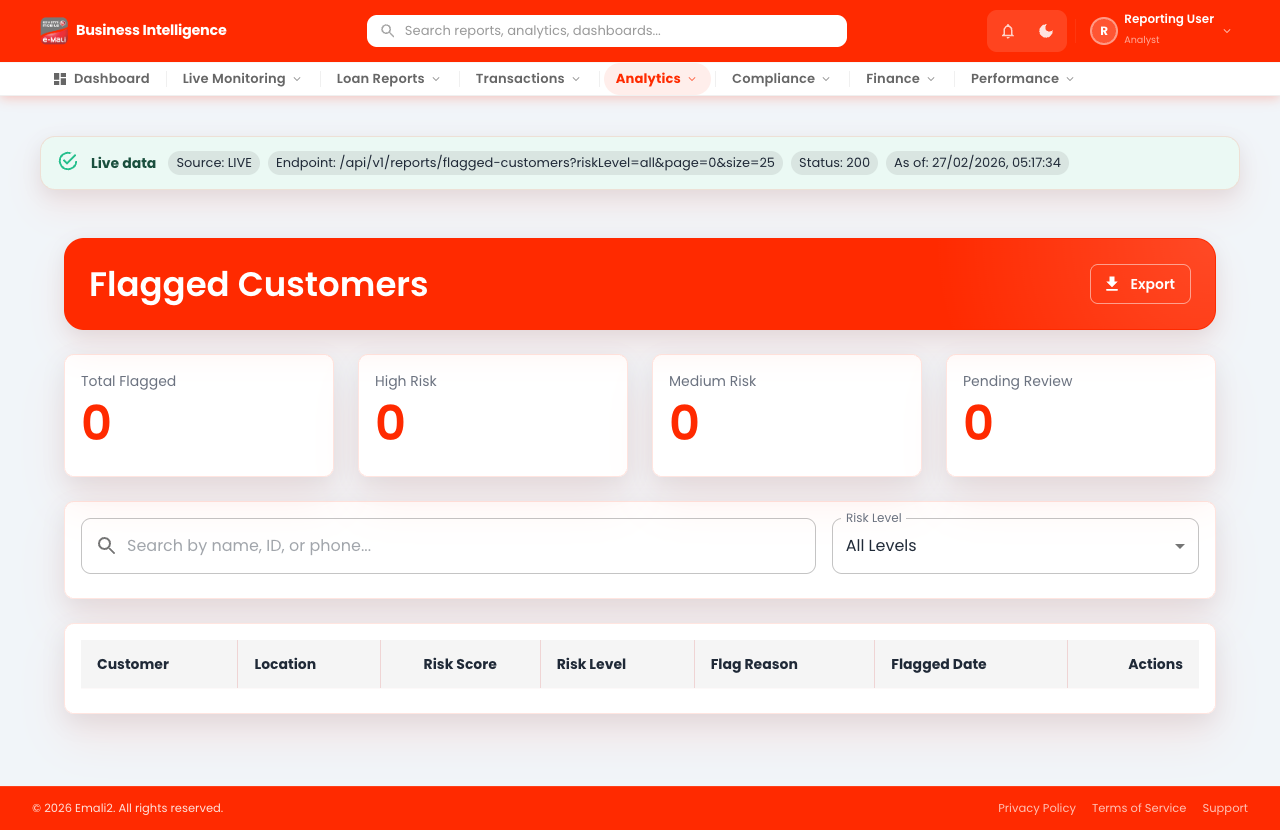
- Page URL:
/app/flagged-customers - Who this page is for: Business intelligence, compliance, and operations analysts
- What this page is for: Review customers flagged for risk or compliance.
- Navigation behavior: Opens directly on
/app/flagged-customers.
What You Can Do Here
- Review summary cards, status chips, and alerts at the top of the page.
- Use filters, search fields, and quick actions to locate the right records.
- Use on-page actions to complete your task and verify the resulting state.
Current Behavior Notes
- Validation status: OK
- Observed note: Page loads with expected primary UI components in the test environment.
14. Fraud
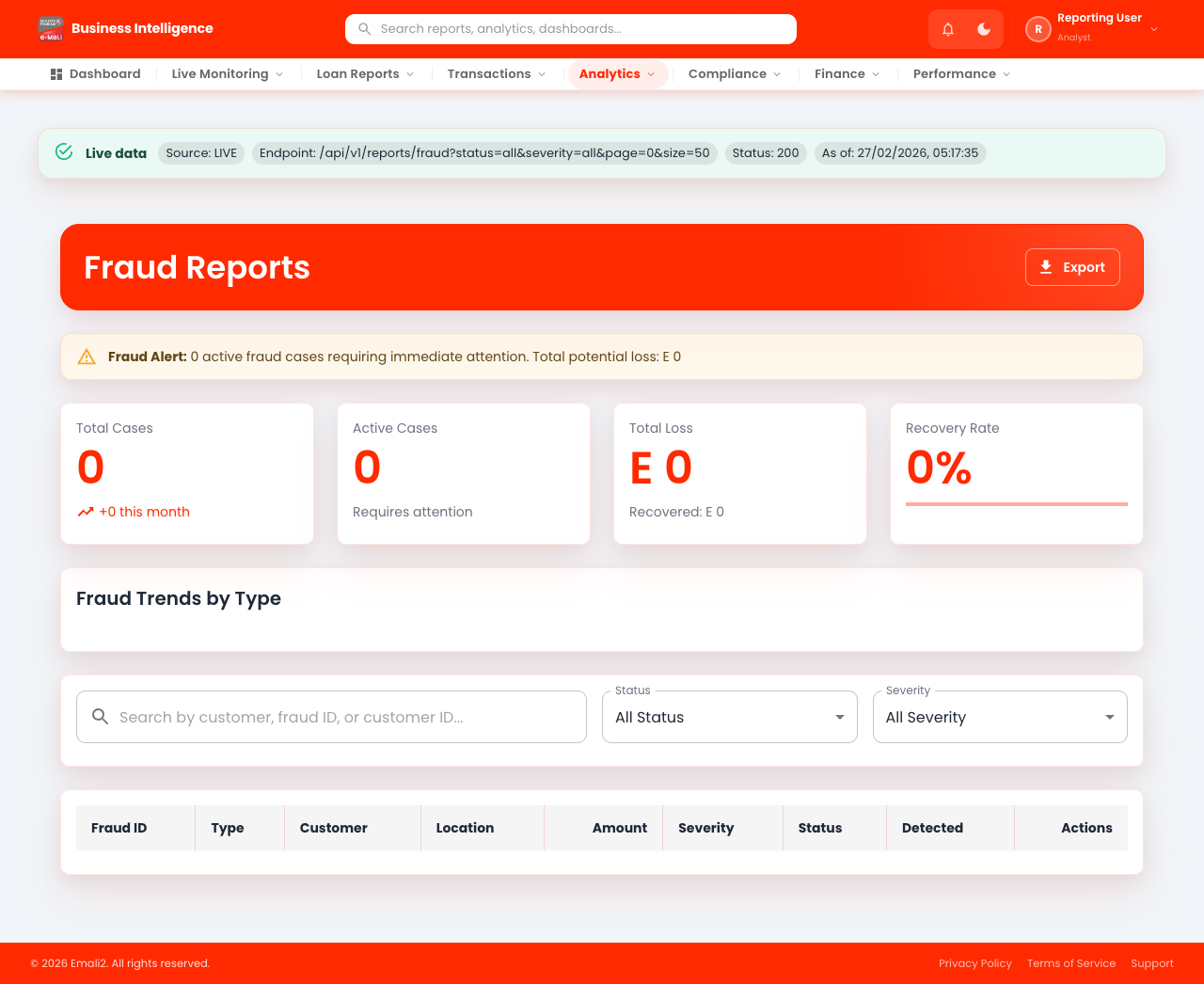
- Page URL:
/app/fraud - Who this page is for: Business intelligence, compliance, and operations analysts
- What this page is for: Investigate fraud indicators and alerts.
- Navigation behavior: Opens directly on
/app/fraud.
What You Can Do Here
- Review summary cards, status chips, and alerts at the top of the page.
- Use filters, search fields, and quick actions to locate the right records.
- Use on-page actions to complete your task and verify the resulting state.
Current Behavior Notes
- Validation status: OK
- Observed note: Page loads with expected primary UI components in the test environment.
15. Monitoring
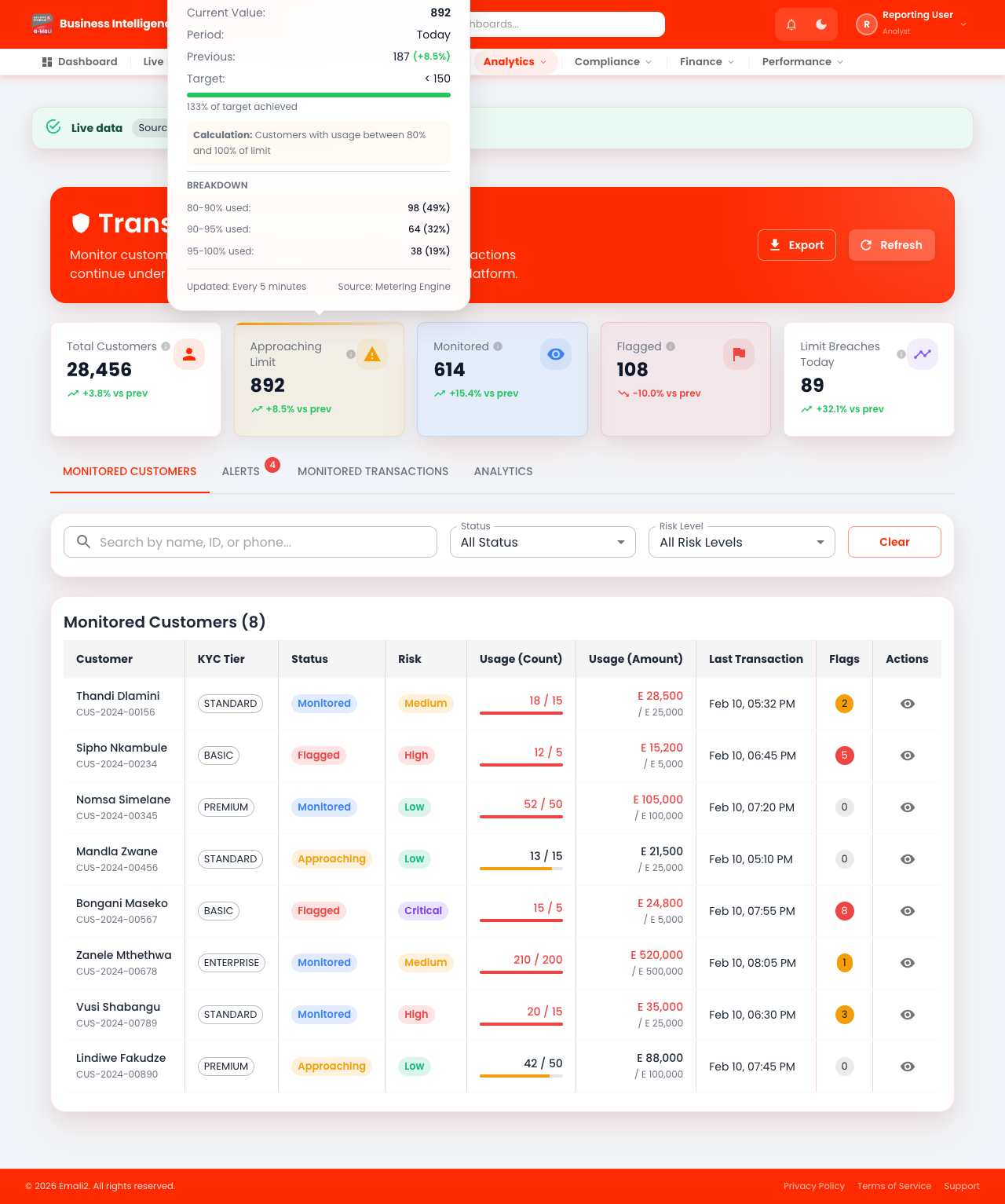
- Page URL:
/app/monitoring - Who this page is for: Business intelligence, compliance, and operations analysts
- What this page is for: Monitor live operational health and alerts.
- Navigation behavior: Opens directly on
/app/monitoring.
What You Can Do Here
- Review summary cards, status chips, and alerts at the top of the page.
- Use filters, search fields, and quick actions to locate the right records.
- Use on-page actions to complete your task and verify the resulting state.
Current Behavior Notes
- Validation status: OK
- Observed note: Page loads with expected primary UI components in the test environment.
16. Audit Trail
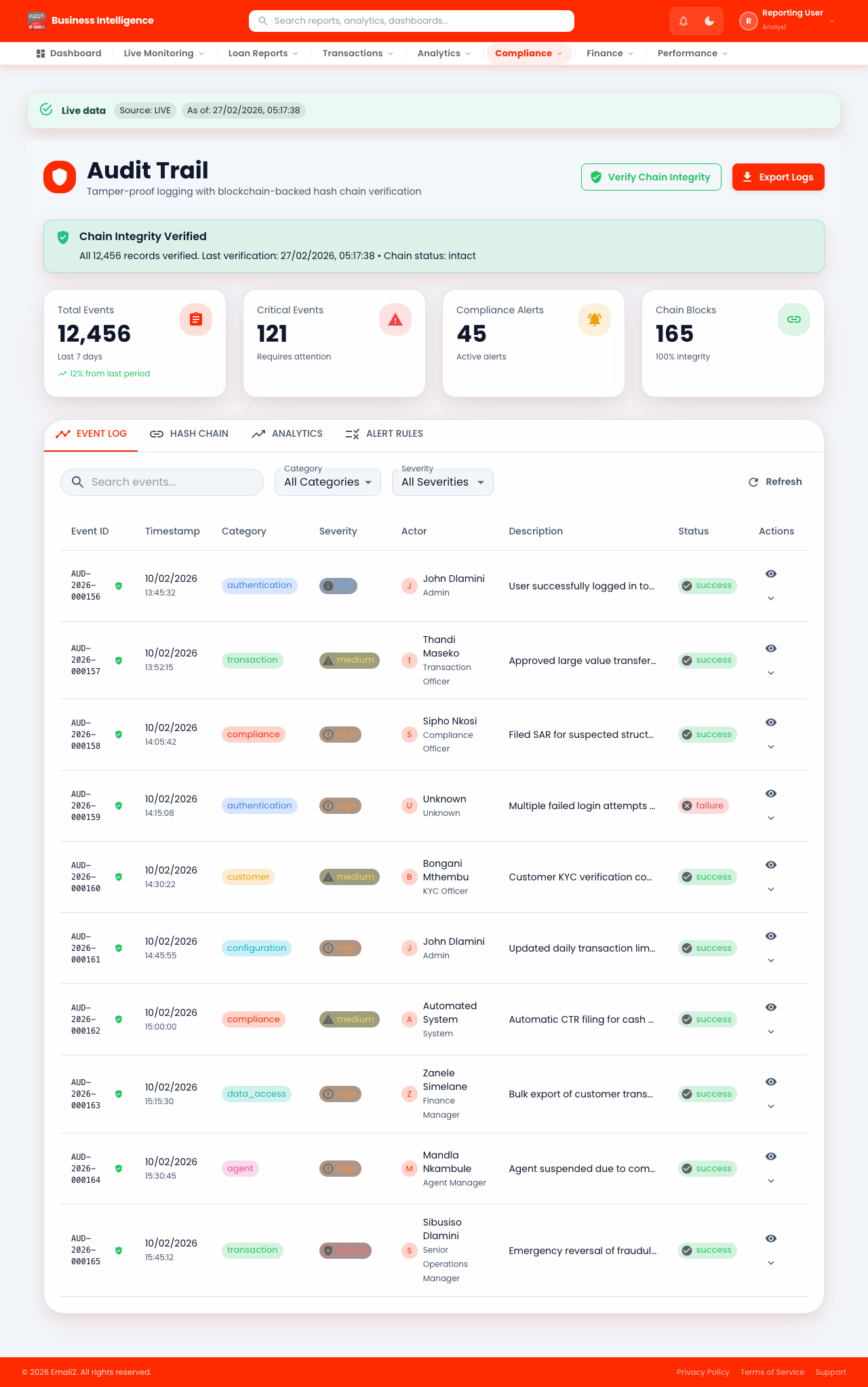
- Page URL:
/app/audit-trail - Who this page is for: Business intelligence, compliance, and operations analysts
- What this page is for: Audit user and system actions.
- Navigation behavior: Opens directly on
/app/audit-trail.
What You Can Do Here
- Review summary cards, status chips, and alerts at the top of the page.
- Use filters, search fields, and quick actions to locate the right records.
- Use on-page actions to complete your task and verify the resulting state.
Current Behavior Notes
- Validation status: OK
- Observed note: Page loads with expected primary UI components in the test environment.
17. Regulatory Reports
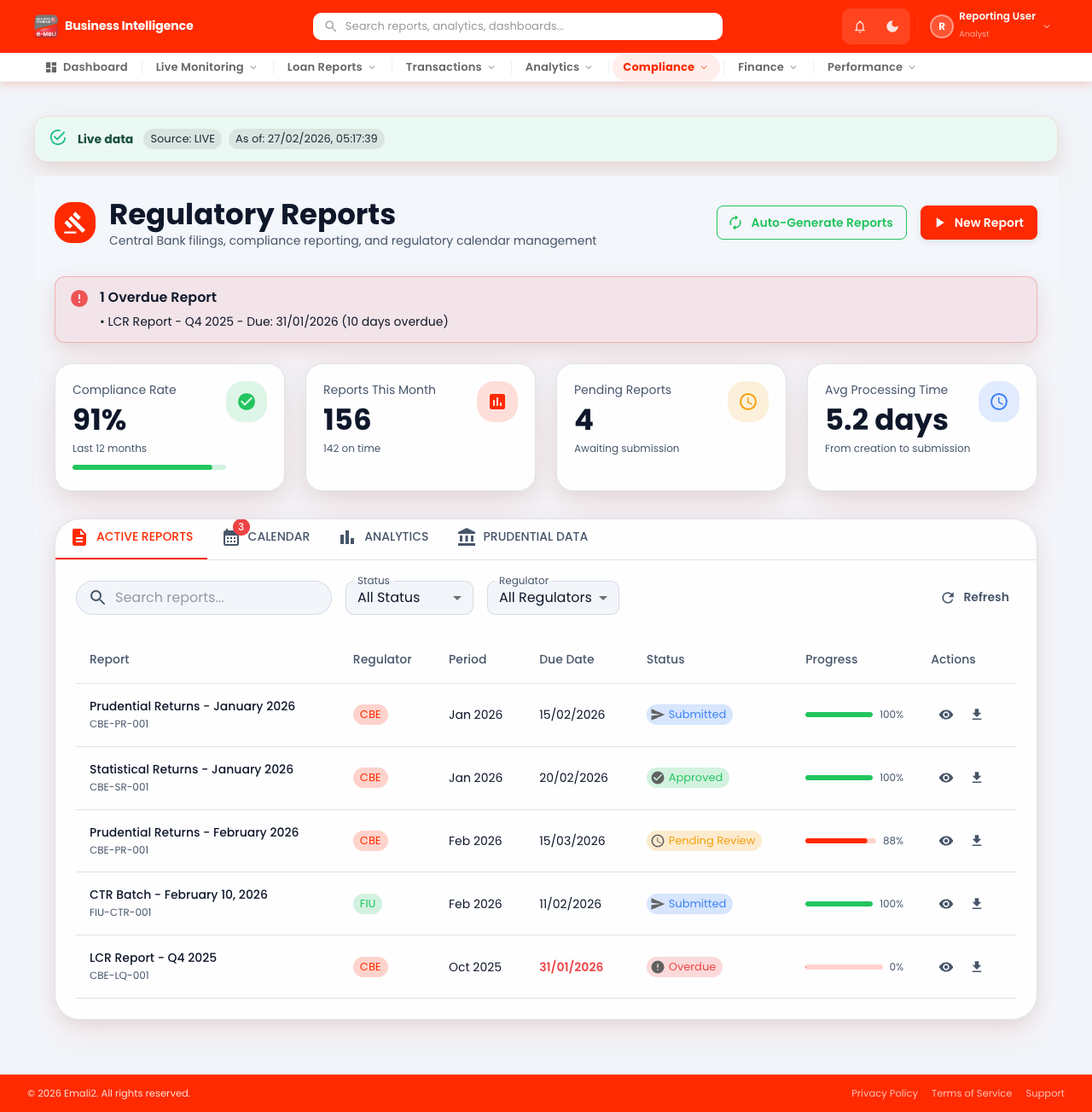
- Page URL:
/app/regulatory-reports - Who this page is for: Business intelligence, compliance, and operations analysts
- What this page is for: Prepare and export regulatory reports.
- Navigation behavior: Opens directly on
/app/regulatory-reports.
What You Can Do Here
- Review summary cards, status chips, and alerts at the top of the page.
- Use filters, search fields, and quick actions to locate the right records.
- Use on-page actions to complete your task and verify the resulting state.
Current Behavior Notes
- Validation status: OK
- Observed note: Page loads with expected primary UI components in the test environment.
18. Financial Inclusion
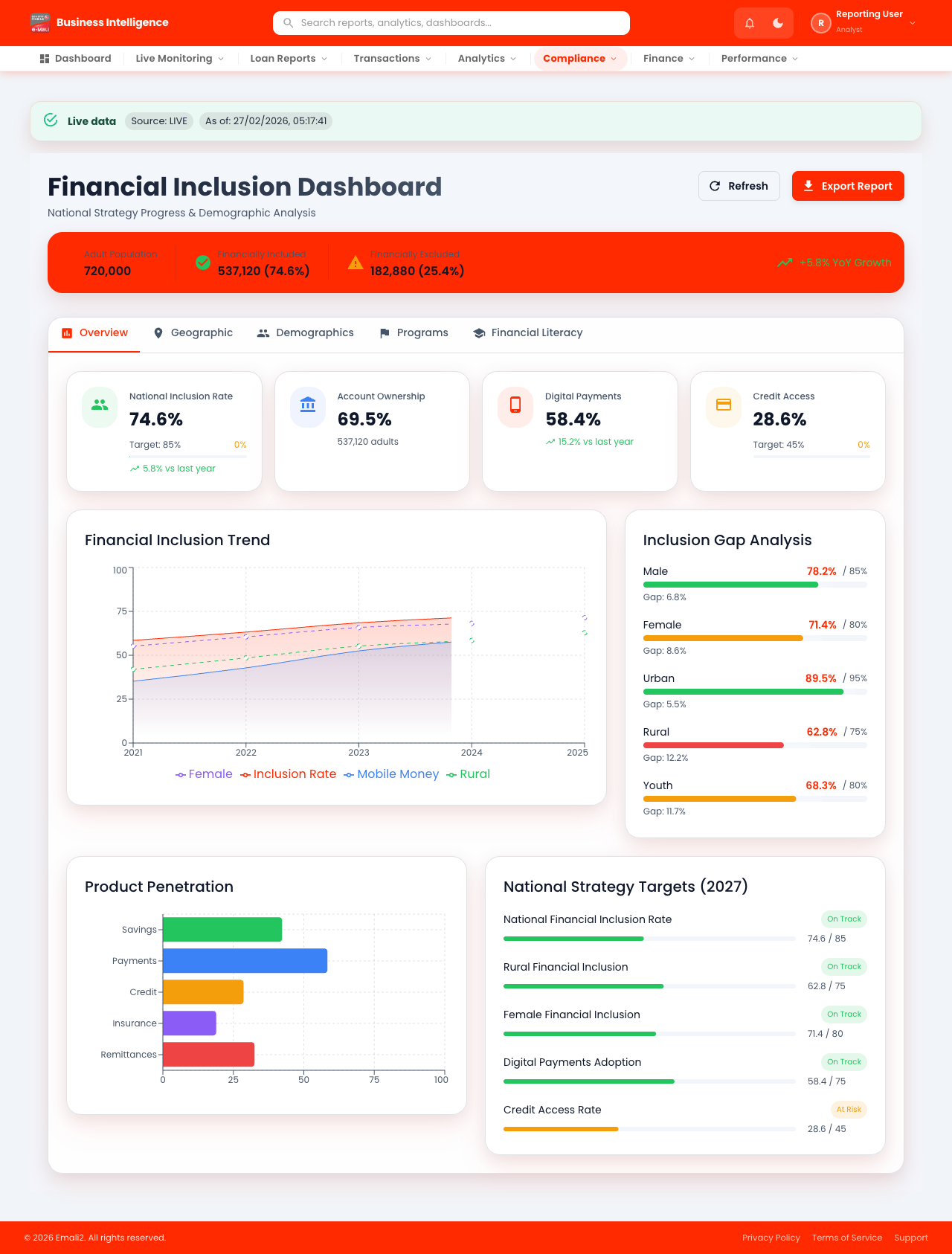
- Page URL:
/app/financial-inclusion - Who this page is for: Business intelligence, compliance, and operations analysts
- What this page is for: Review financial inclusion analytics.
- Navigation behavior: Opens directly on
/app/financial-inclusion.
What You Can Do Here
- Review summary cards, status chips, and alerts at the top of the page.
- Use filters, search fields, and quick actions to locate the right records.
- Use on-page actions to complete your task and verify the resulting state.
Current Behavior Notes
- Validation status: OK
- Observed note: Page loads with expected primary UI components in the test environment.
19. Enhanced KYC
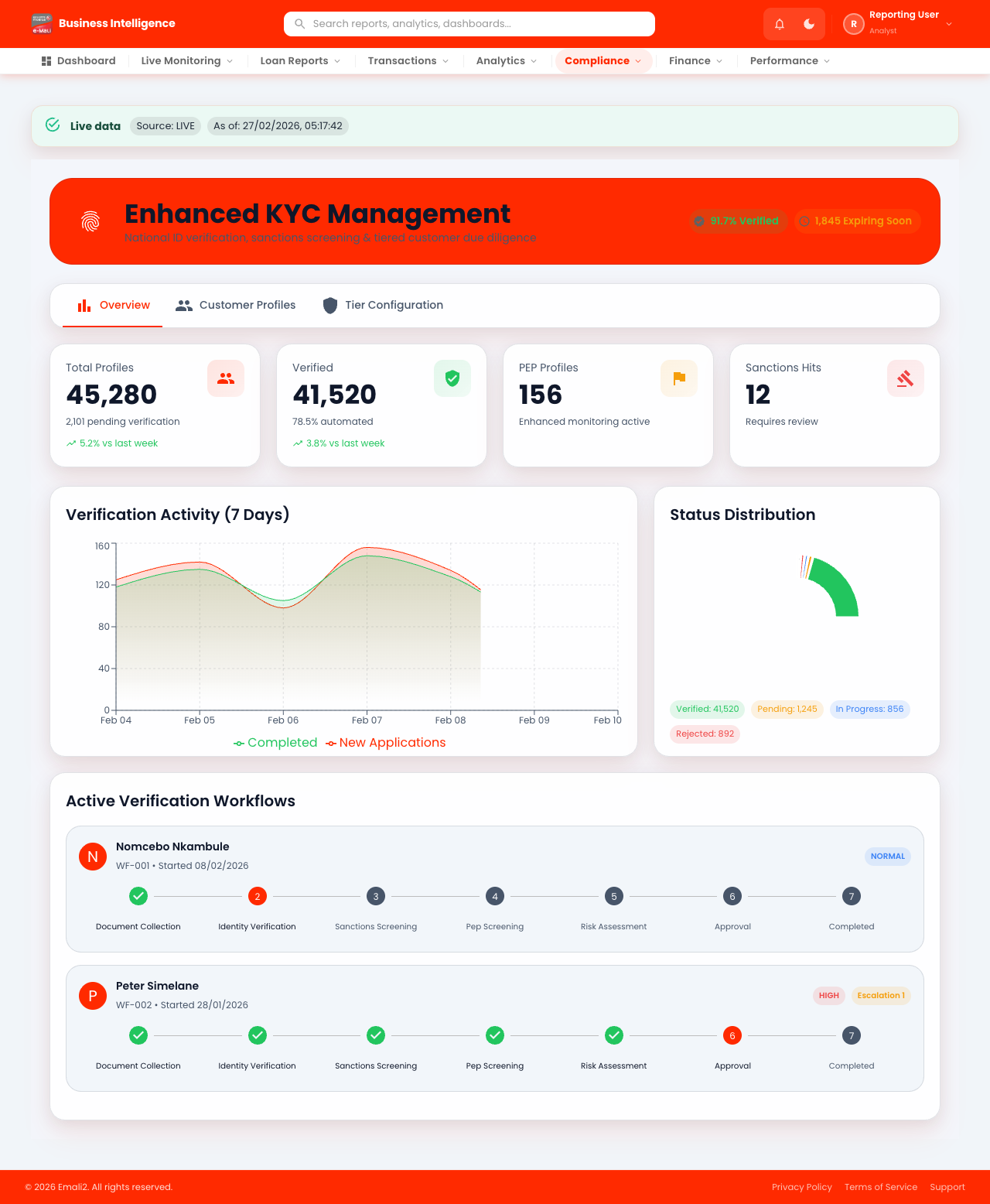
- Page URL:
/app/enhanced-kyc - Who this page is for: Business intelligence, compliance, and operations analysts
- What this page is for: Review enhanced KYC analytics.
- Navigation behavior: Opens directly on
/app/enhanced-kyc.
What You Can Do Here
- Review summary cards, status chips, and alerts at the top of the page.
- Use filters, search fields, and quick actions to locate the right records.
- Use on-page actions to complete your task and verify the resulting state.
Current Behavior Notes
- Validation status: OK
- Observed note: Page loads with expected primary UI components in the test environment.
20. Live - Business
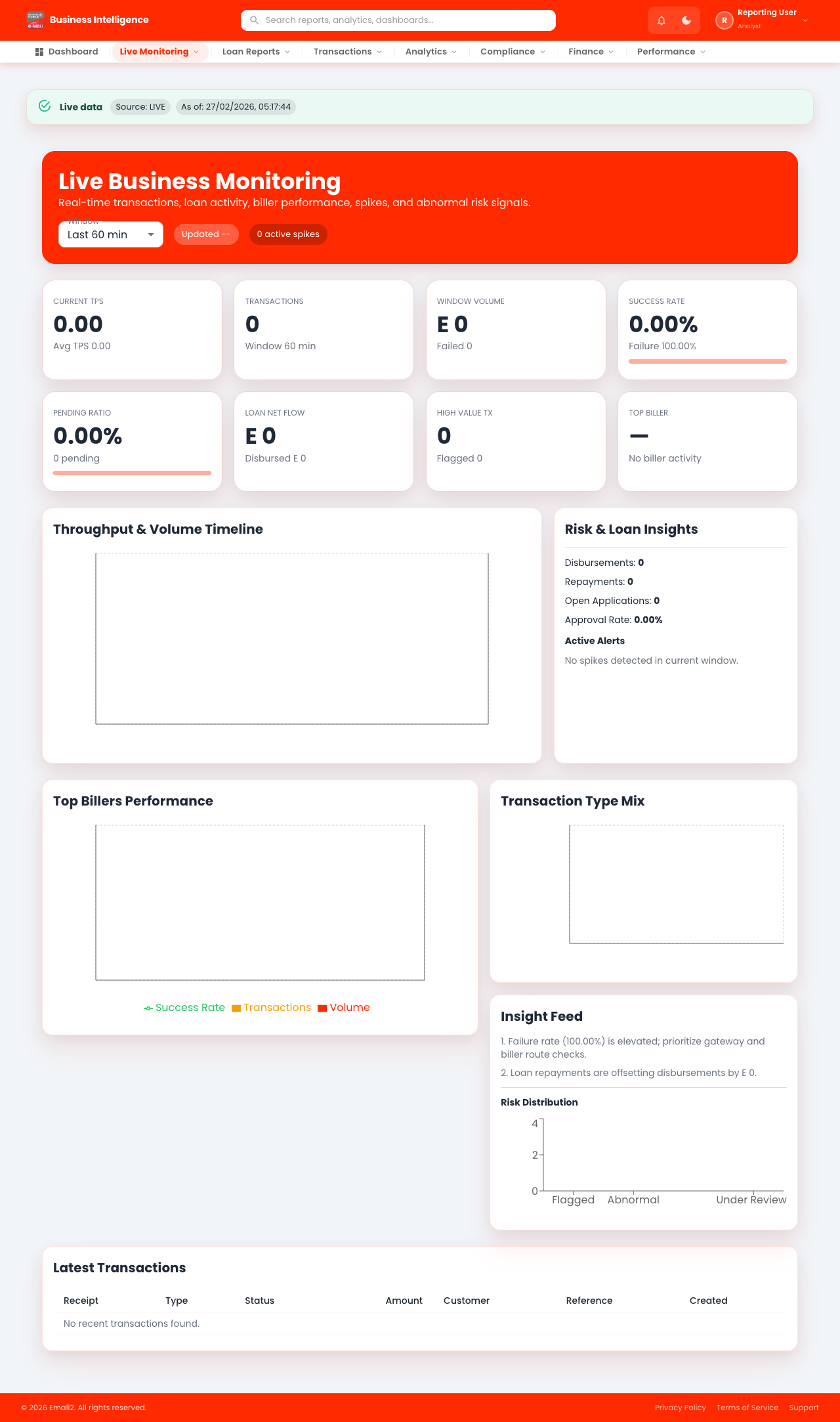
- Page URL:
/app/live/business - Who this page is for: Business intelligence, compliance, and operations analysts
- What this page is for: View live business operations dashboard.
- Navigation behavior: Opens directly on
/app/live/business.
What You Can Do Here
- Review summary cards, status chips, and alerts at the top of the page.
- Use filters, search fields, and quick actions to locate the right records.
- Use on-page actions to complete your task and verify the resulting state.
Current Behavior Notes
- Validation status: OK
- Observed note: Console warnings observed: 4
21. Live Monitoring
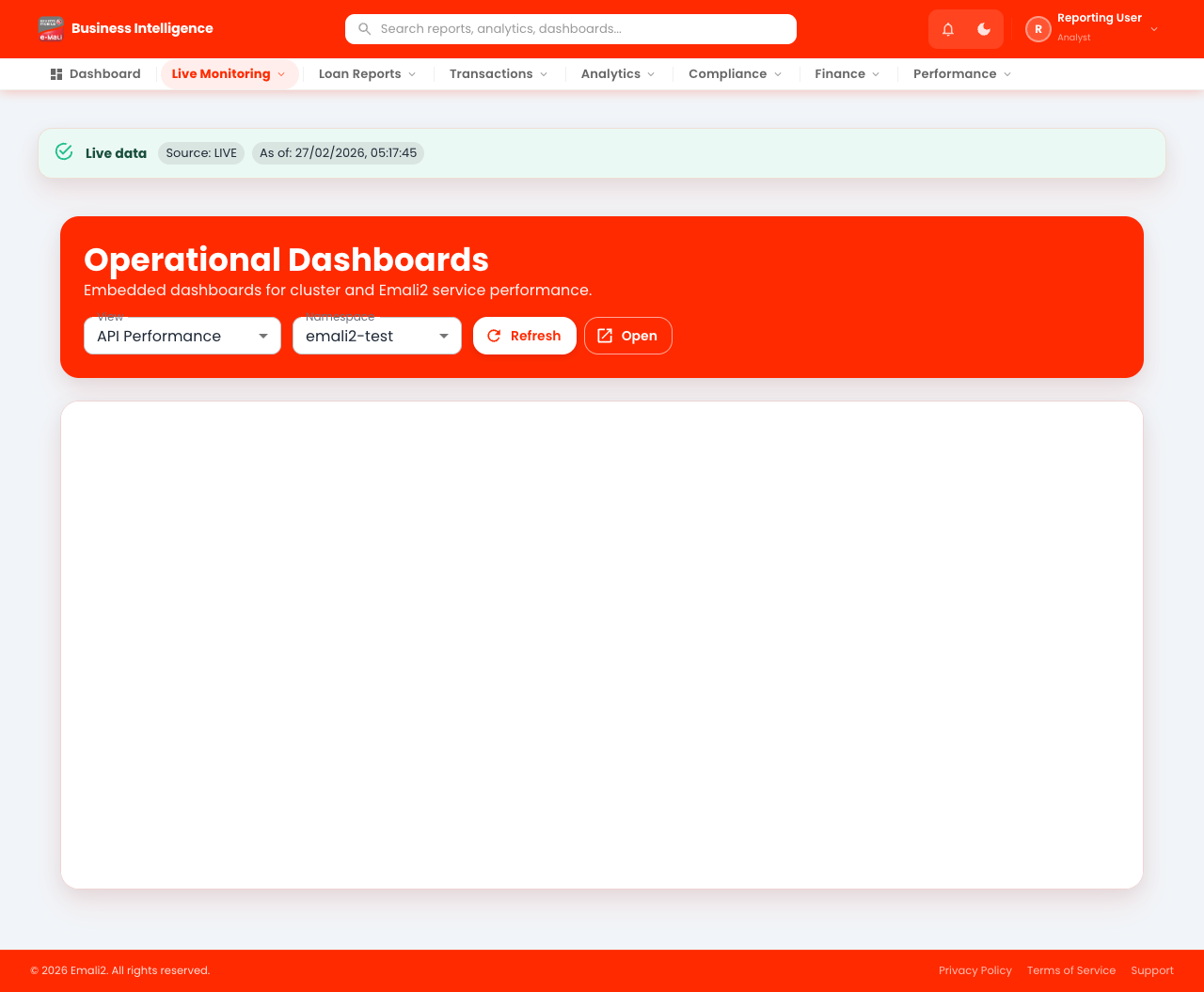
- Page URL:
/app/live-monitoring - Who this page is for: Business intelligence, compliance, and operations analysts
- What this page is for: View live monitoring panels and indicators.
- Navigation behavior: Opens directly on
/app/live-monitoring.
What You Can Do Here
- Review summary cards, status chips, and alerts at the top of the page.
- Use filters, search fields, and quick actions to locate the right records.
- Use on-page actions to complete your task and verify the resulting state.
Current Behavior Notes
- Validation status: OK
- Observed note: Page loads with expected primary UI components in the test environment.
22. Live - Dashboards
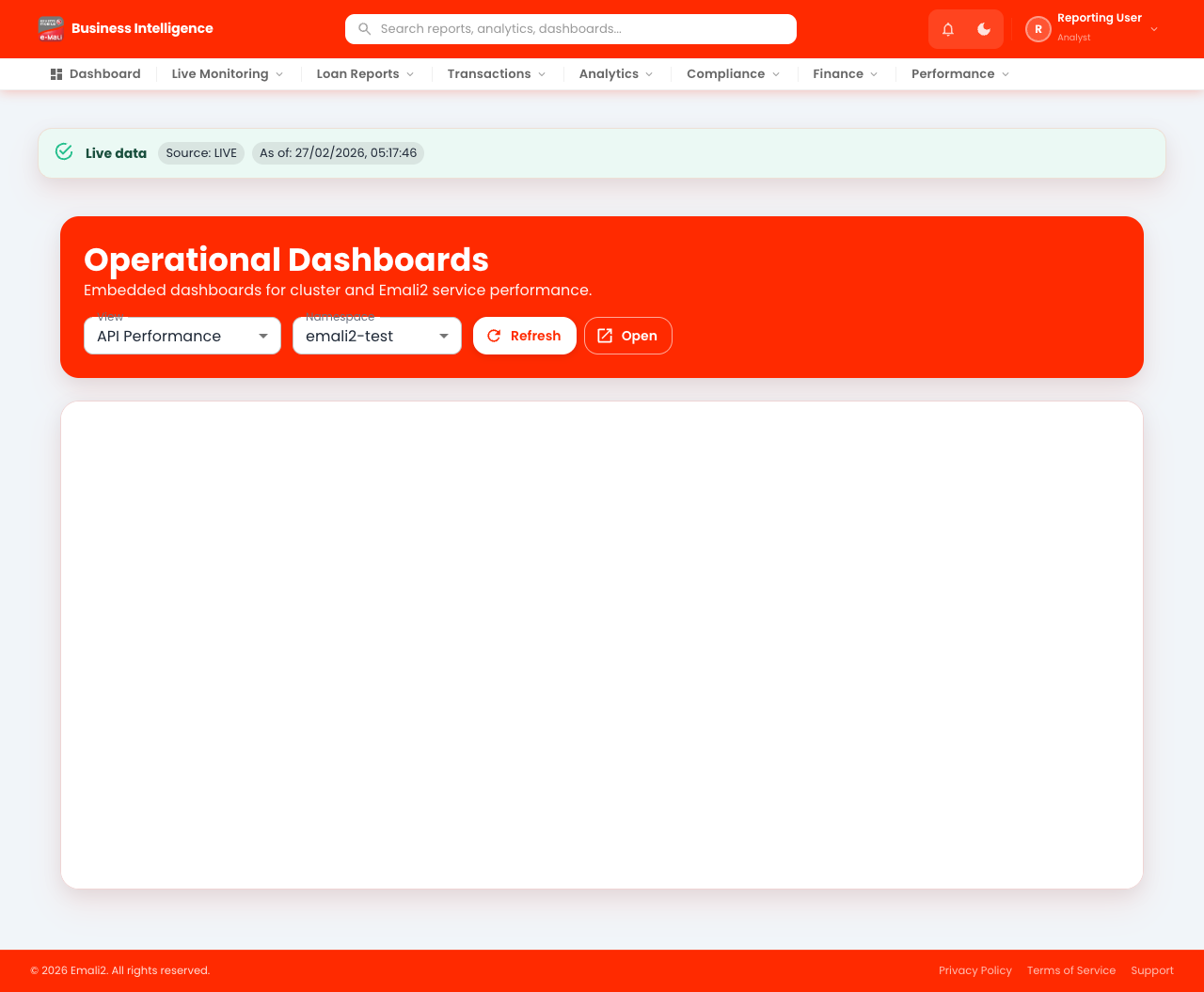
- Page URL:
/app/live/dashboards - Who this page is for: Business intelligence, compliance, and operations analysts
- What this page is for: View live dashboard modules and summaries.
- Navigation behavior: Opens directly on
/app/live/dashboards.
What You Can Do Here
- Review summary cards, status chips, and alerts at the top of the page.
- Use filters, search fields, and quick actions to locate the right records.
- Use on-page actions to complete your task and verify the resulting state.
Current Behavior Notes
- Validation status: OK
- Observed note: Page loads with expected primary UI components in the test environment.
23. Reconciliations
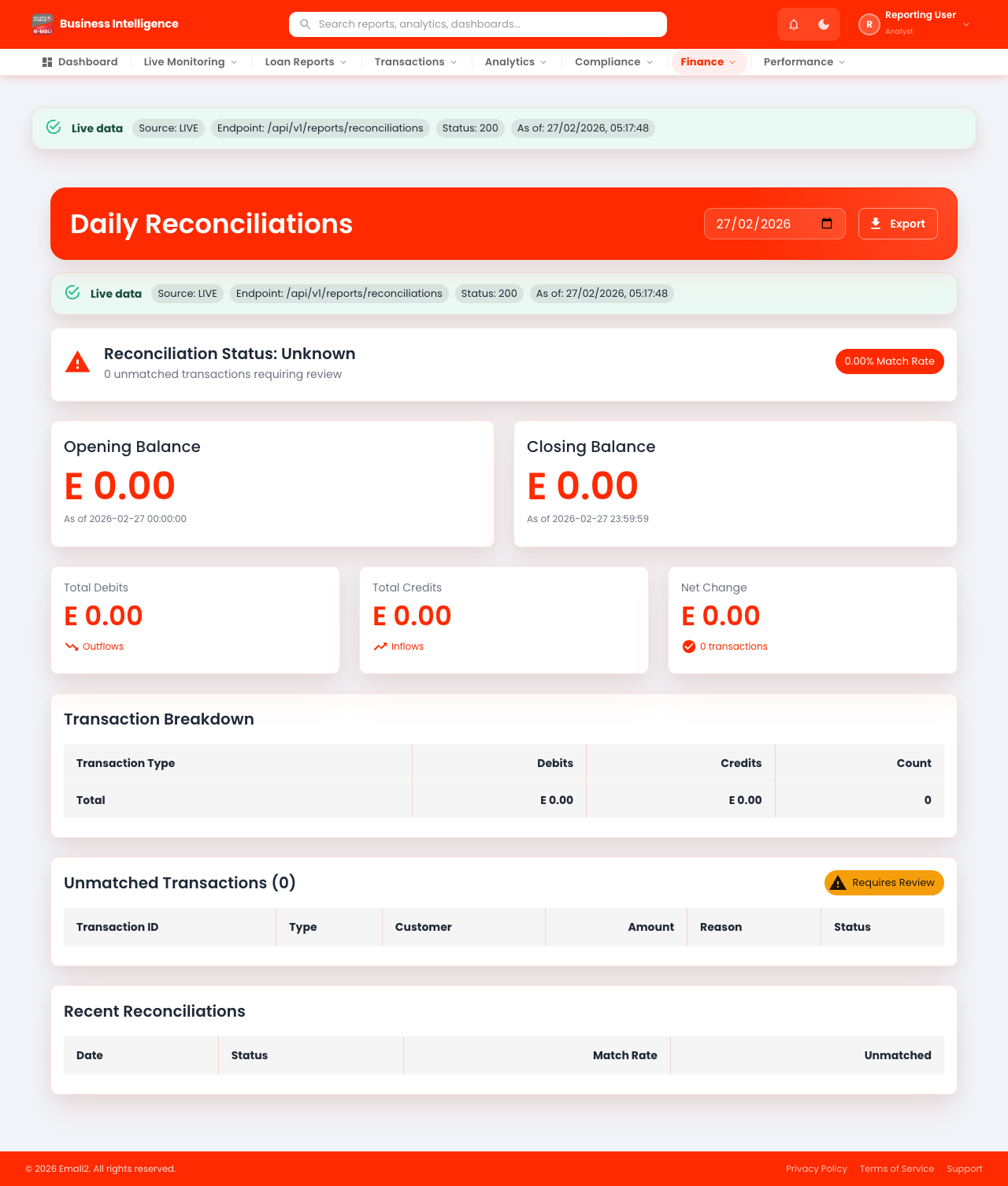
- Page URL:
/app/reconciliations - Who this page is for: Business intelligence, compliance, and operations analysts
- What this page is for: Review reconciliations and reconciliation status.
- Navigation behavior: Opens directly on
/app/reconciliations.
What You Can Do Here
- Review summary cards, status chips, and alerts at the top of the page.
- Use filters, search fields, and quick actions to locate the right records.
- Use on-page actions to complete your task and verify the resulting state.
Current Behavior Notes
- Validation status: OK
- Observed note: Page loads with expected primary UI components in the test environment.
24. Settlements
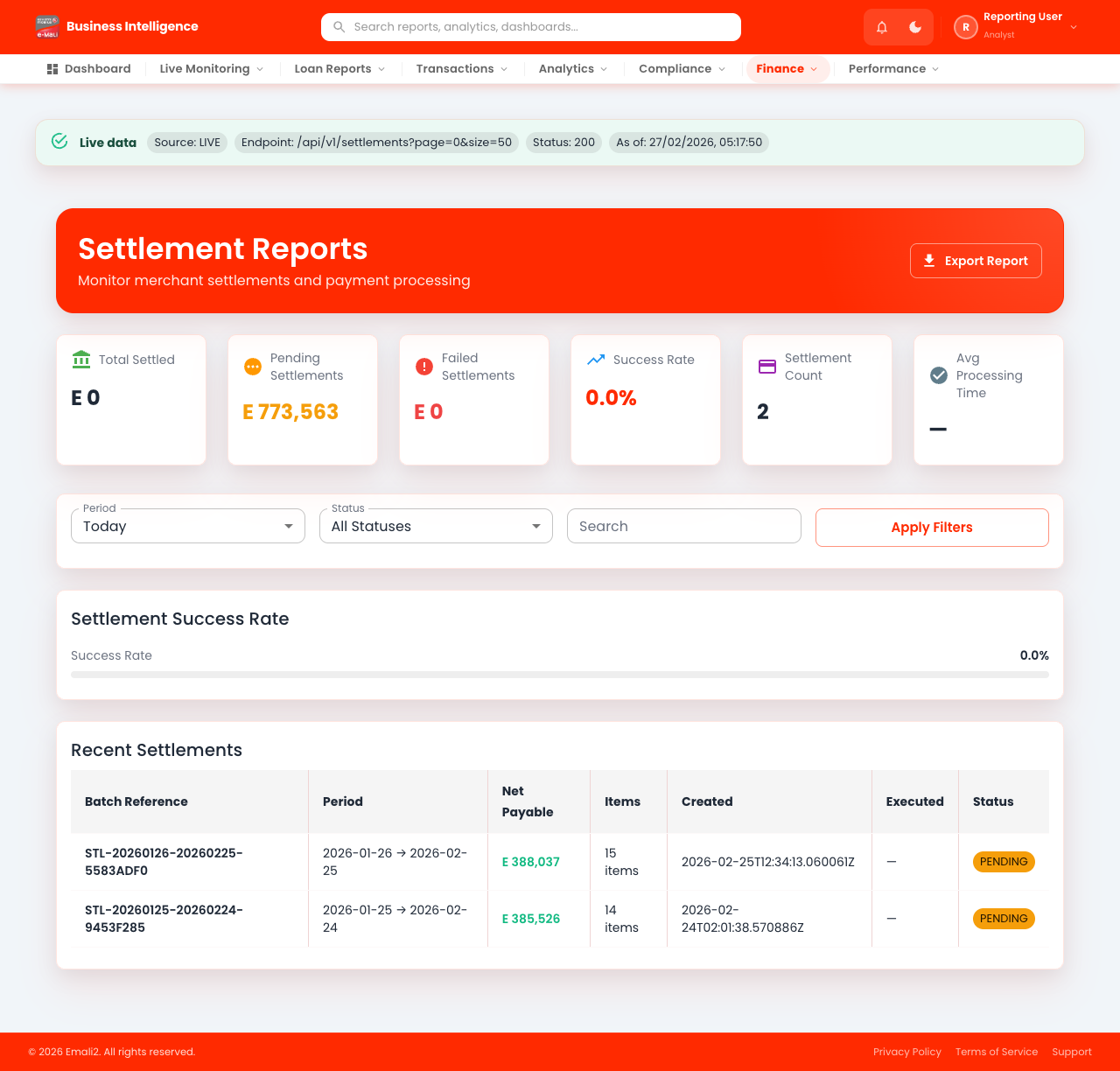
- Page URL:
/app/settlements - Who this page is for: Business intelligence, compliance, and operations analysts
- What this page is for: Manage settlement batches and settlement status.
- Navigation behavior: Opens directly on
/app/settlements.
What You Can Do Here
- Review summary cards, status chips, and alerts at the top of the page.
- Use filters, search fields, and quick actions to locate the right records.
- Use on-page actions to complete your task and verify the resulting state.
Current Behavior Notes
- Validation status: OK
- Observed note: Page loads with expected primary UI components in the test environment.
25. Balance Sheet
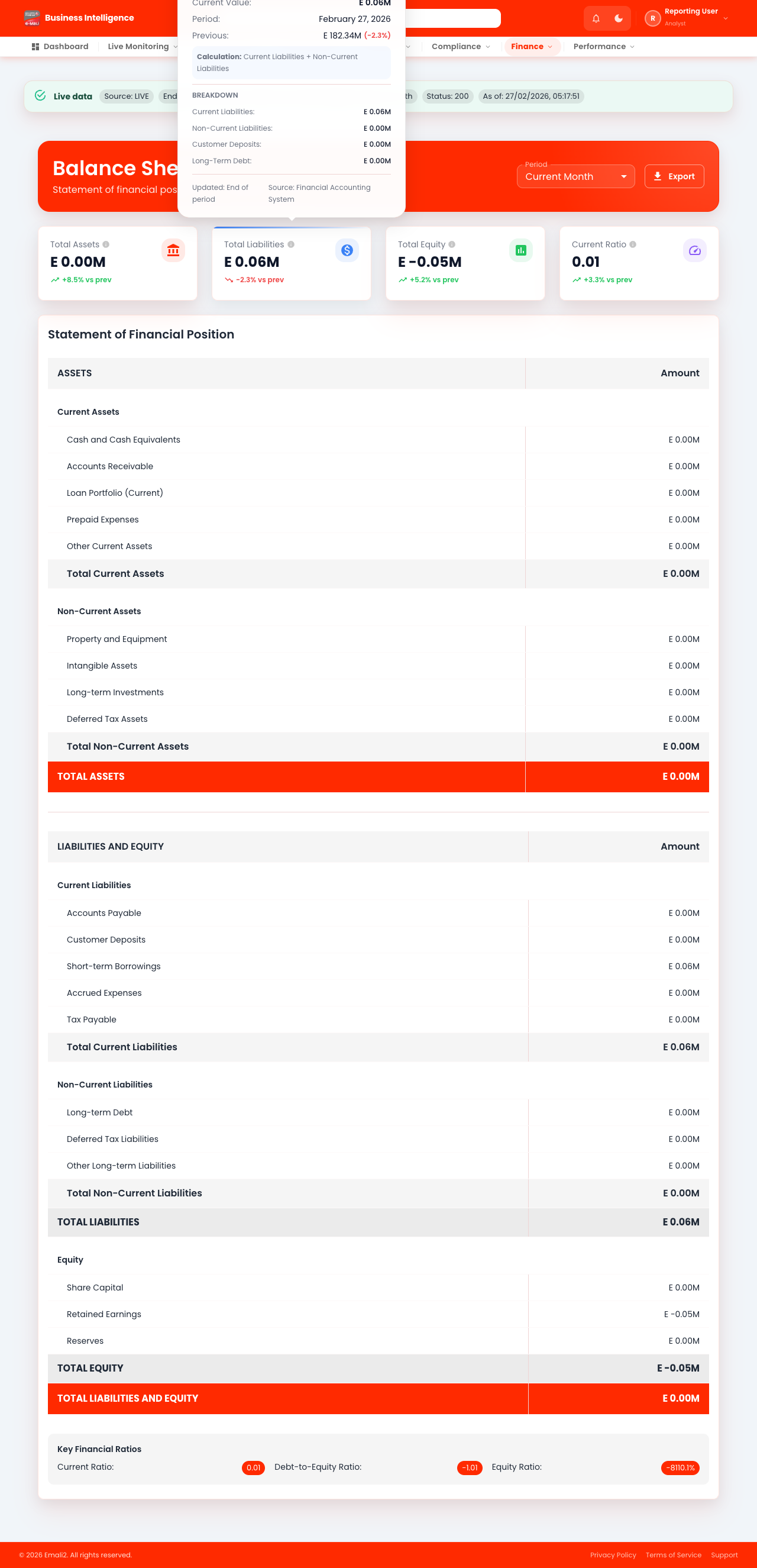
- Page URL:
/app/balance-sheet - Who this page is for: Business intelligence, compliance, and operations analysts
- What this page is for: Review balance-sheet reporting views.
- Navigation behavior: Opens directly on
/app/balance-sheet.
What You Can Do Here
- Review summary cards, status chips, and alerts at the top of the page.
- Use filters, search fields, and quick actions to locate the right records.
- Use on-page actions to complete your task and verify the resulting state.
Current Behavior Notes
- Validation status: OK
- Observed note: Page loads with expected primary UI components in the test environment.
26. Float Balance
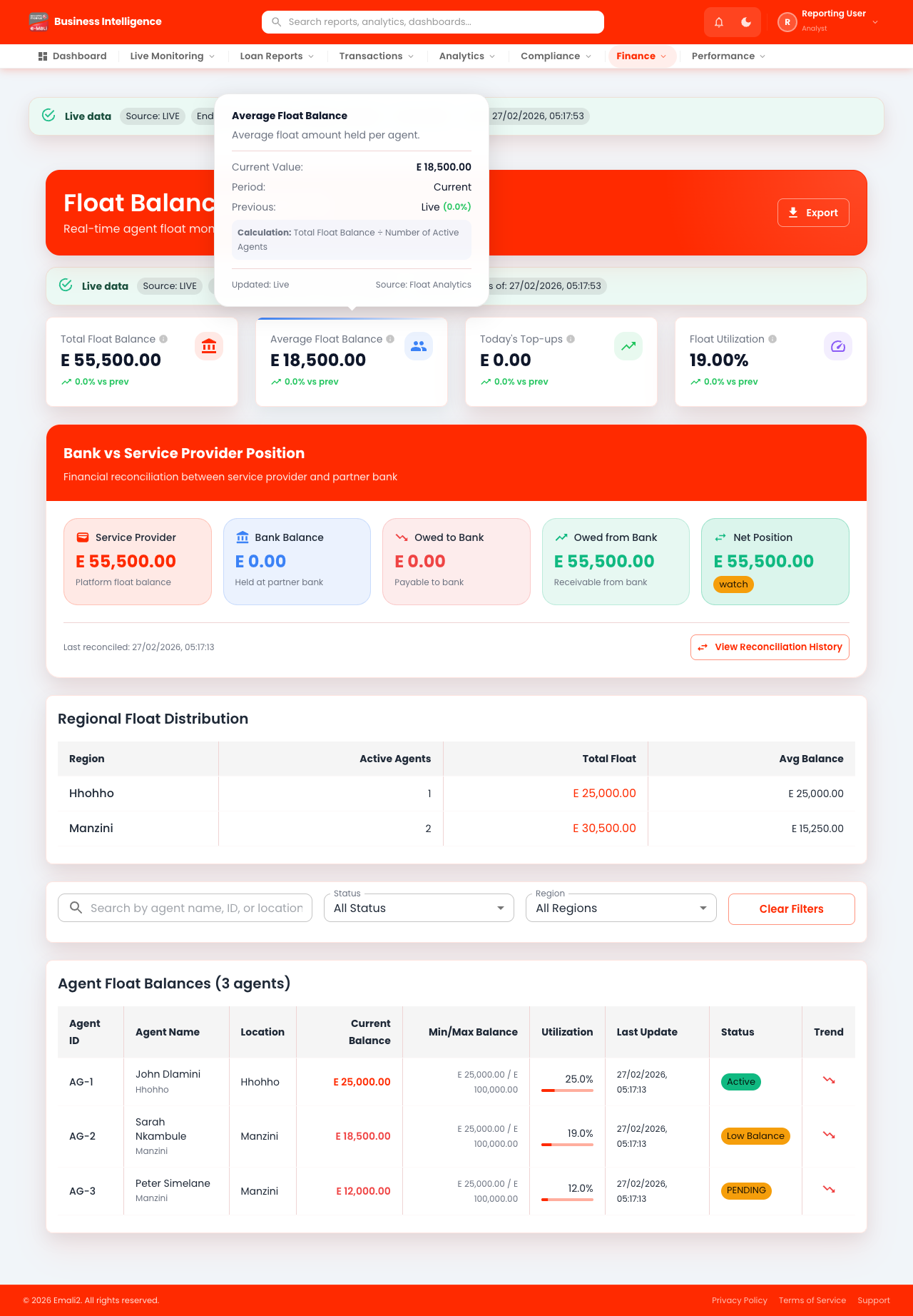
- Page URL:
/app/float-balance - Who this page is for: Business intelligence, compliance, and operations analysts
- What this page is for: Review float balance and liquidity reporting.
- Navigation behavior: Opens directly on
/app/float-balance.
What You Can Do Here
- Review summary cards, status chips, and alerts at the top of the page.
- Use filters, search fields, and quick actions to locate the right records.
- Use on-page actions to complete your task and verify the resulting state.
Current Behavior Notes
- Validation status: OK
- Observed note: Page loads with expected primary UI components in the test environment.
27. Agent Performance
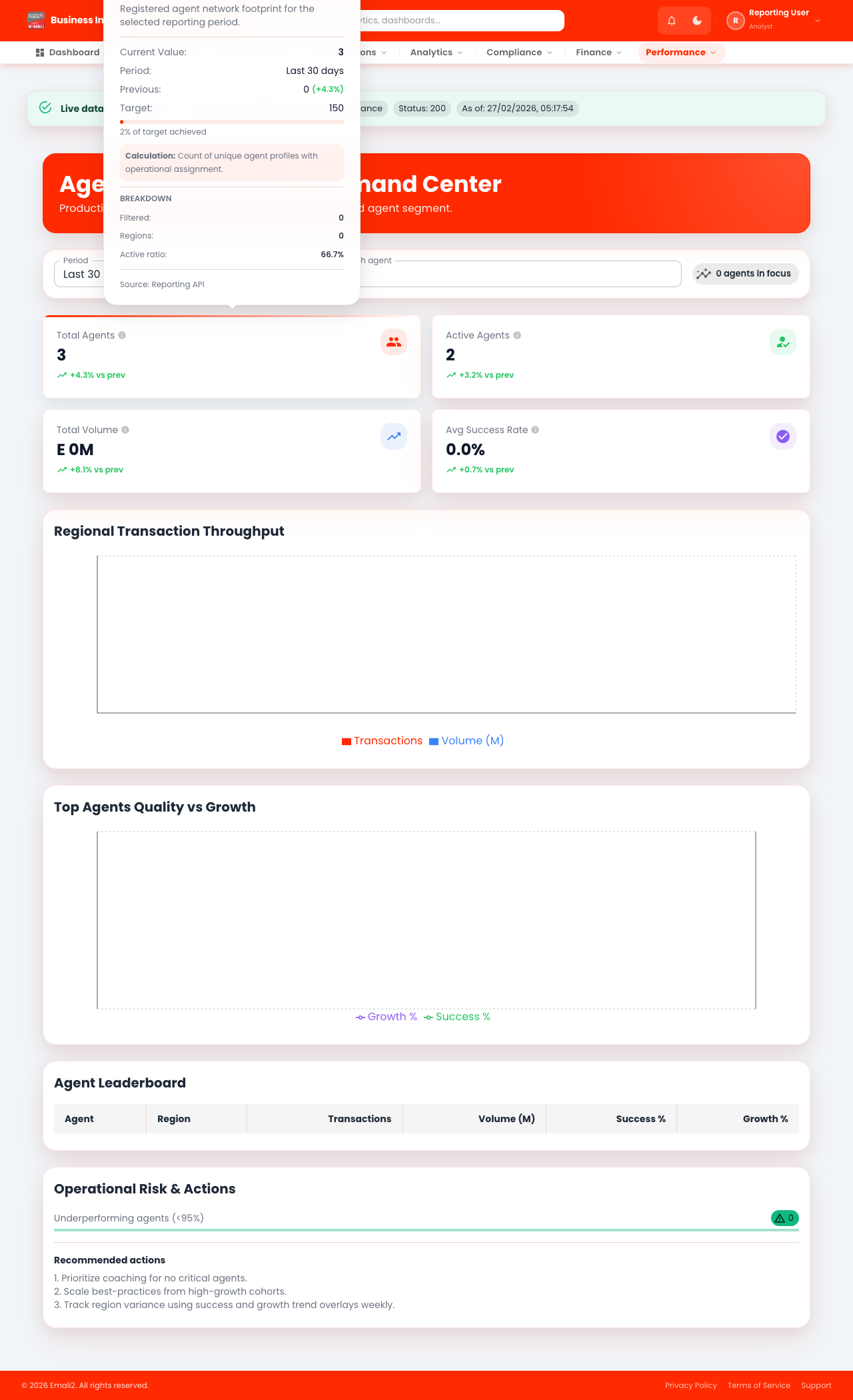
- Page URL:
/app/agent-performance - Who this page is for: Business intelligence, compliance, and operations analysts
- What this page is for: Analyze agent performance metrics.
- Navigation behavior: Opens directly on
/app/agent-performance.
What You Can Do Here
- Review summary cards, status chips, and alerts at the top of the page.
- Use filters, search fields, and quick actions to locate the right records.
- Use on-page actions to complete your task and verify the resulting state.
Current Behavior Notes
- Validation status: OK
- Observed note: Console warnings observed: 2
28. Merchant Performance
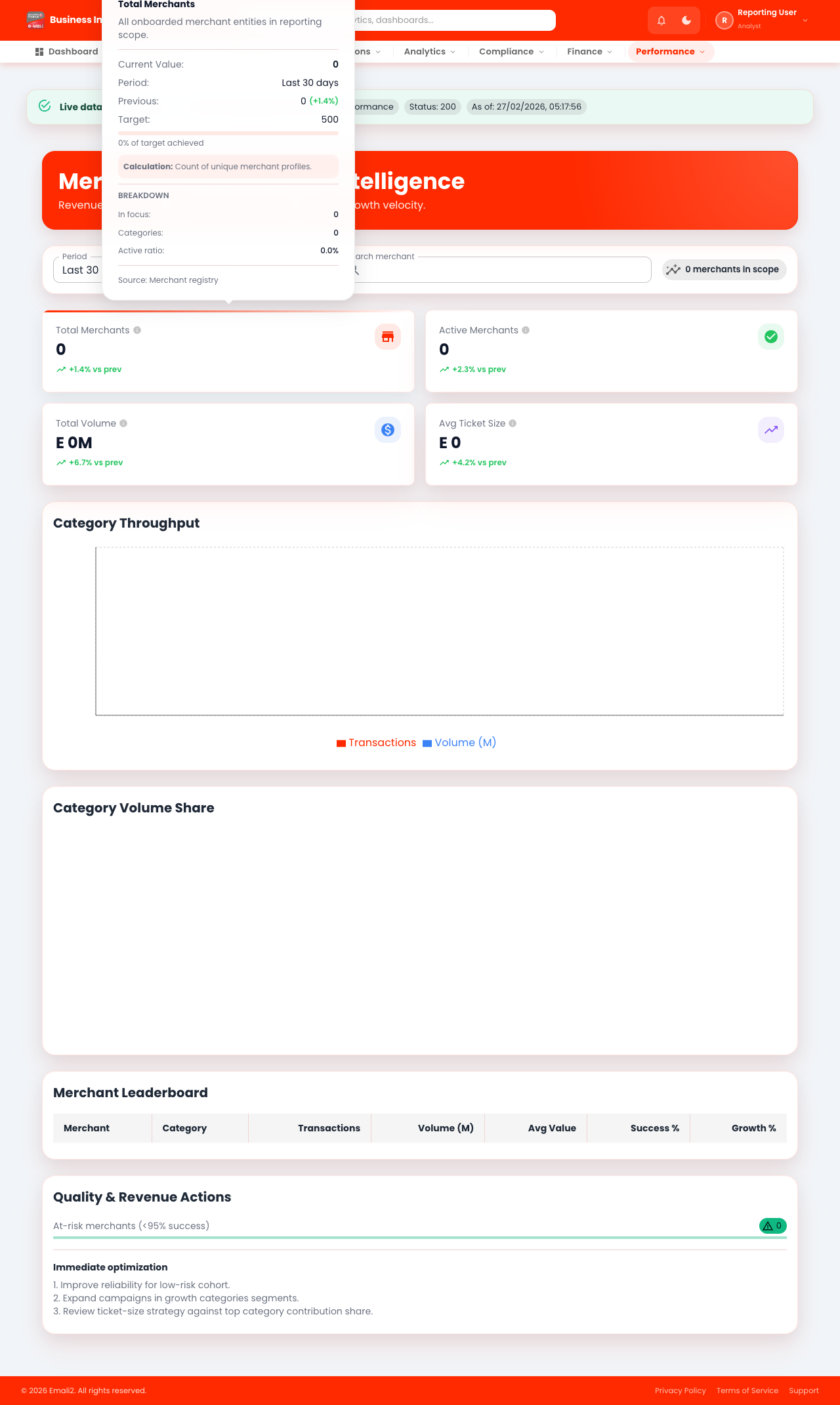
- Page URL:
/app/merchant-performance - Who this page is for: Business intelligence, compliance, and operations analysts
- What this page is for: Analyze merchant performance metrics.
- Navigation behavior: Opens directly on
/app/merchant-performance.
What You Can Do Here
- Review summary cards, status chips, and alerts at the top of the page.
- Use filters, search fields, and quick actions to locate the right records.
- Use on-page actions to complete your task and verify the resulting state.
Current Behavior Notes
- Validation status: OK
- Observed note: Console warnings observed: 2
29. Top Corridors
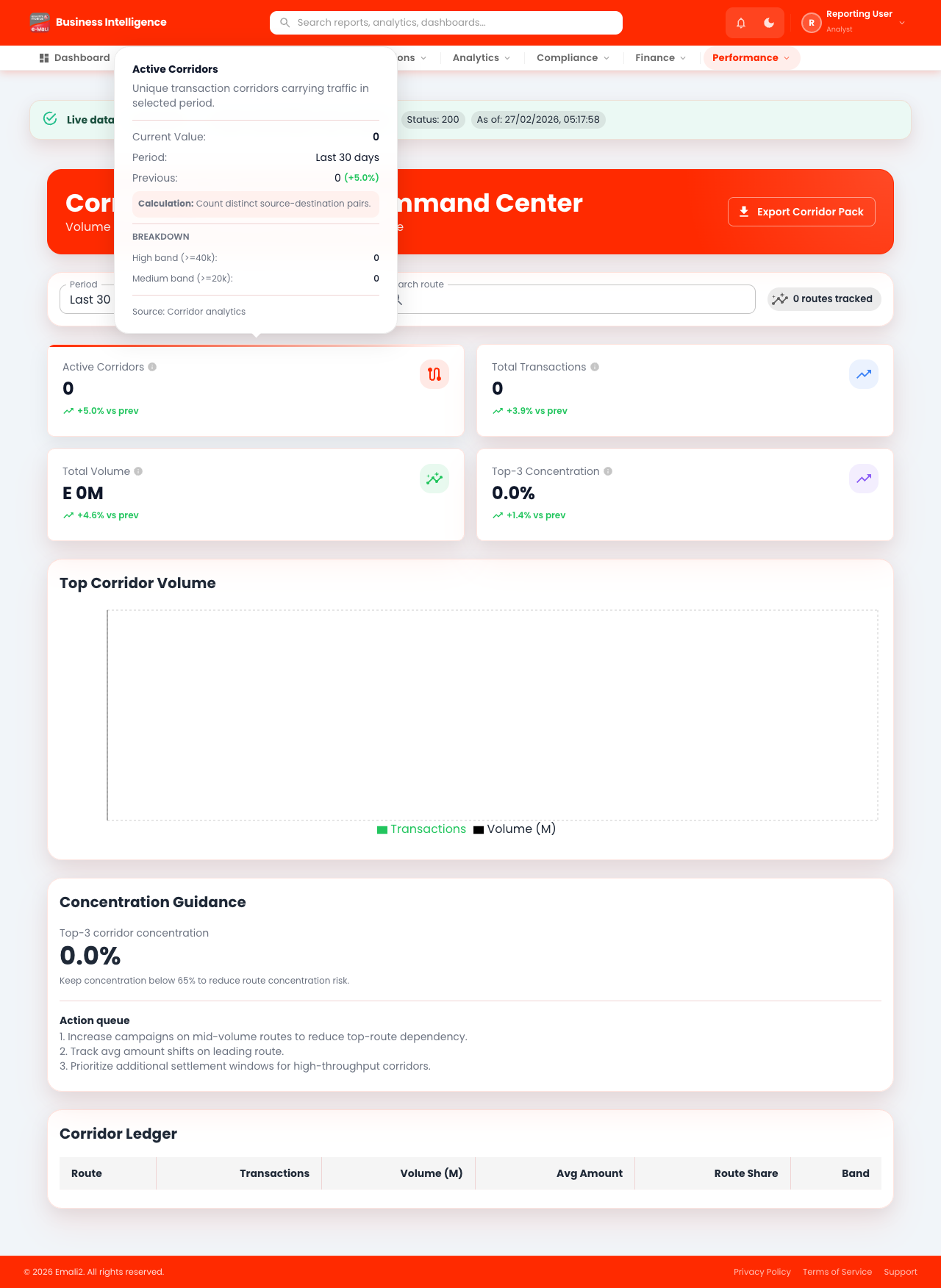
- Page URL:
/app/top-corridors - Who this page is for: Business intelligence, compliance, and operations analysts
- What this page is for: Analyze top payment corridors.
- Navigation behavior: Opens directly on
/app/top-corridors.
What You Can Do Here
- Review summary cards, status chips, and alerts at the top of the page.
- Use filters, search fields, and quick actions to locate the right records.
- Use on-page actions to complete your task and verify the resulting state.
Current Behavior Notes
- Validation status: OK
- Observed note: Console warnings observed: 1
30. Fee Breakdown
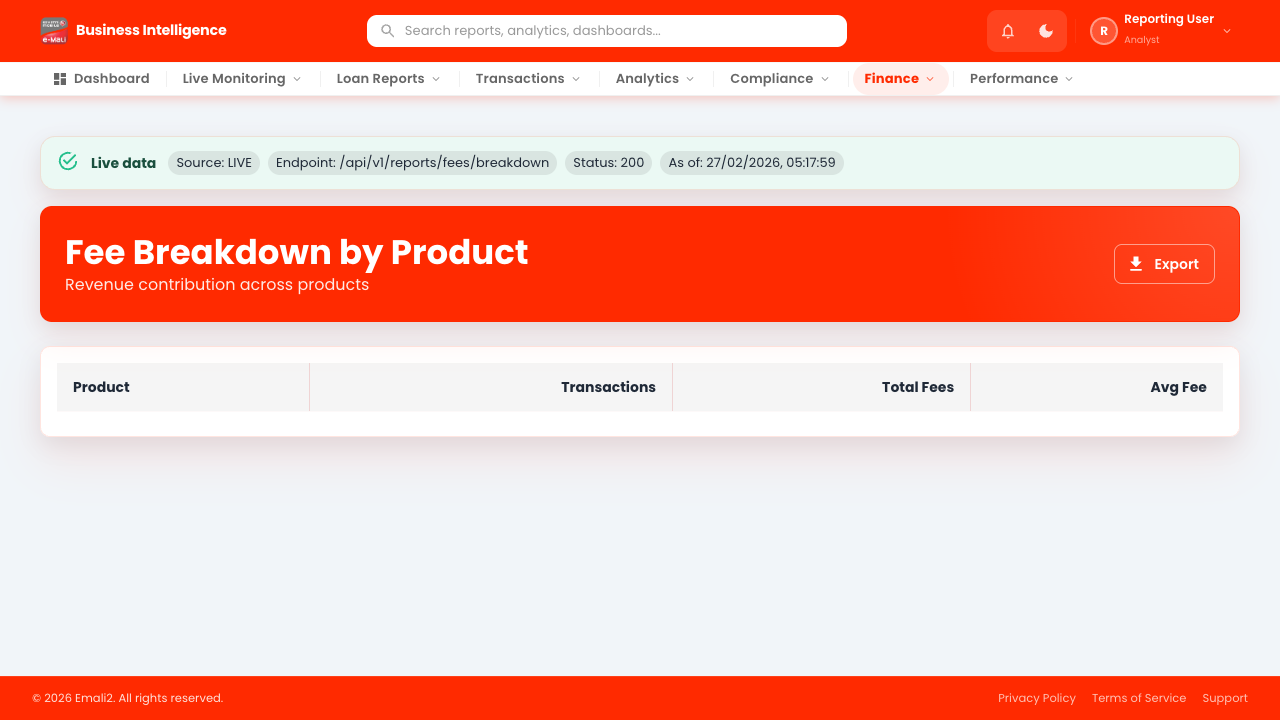
- Page URL:
/app/fee-breakdown - Who this page is for: Business intelligence, compliance, and operations analysts
- What this page is for: Analyze fee component breakdown.
- Navigation behavior: Opens directly on
/app/fee-breakdown.
What You Can Do Here
- Review summary cards, status chips, and alerts at the top of the page.
- Use filters, search fields, and quick actions to locate the right records.
- Use on-page actions to complete your task and verify the resulting state.
Current Behavior Notes
- Validation status: OK
- Observed note: Page loads with expected primary UI components in the test environment.
31. Commission Payouts
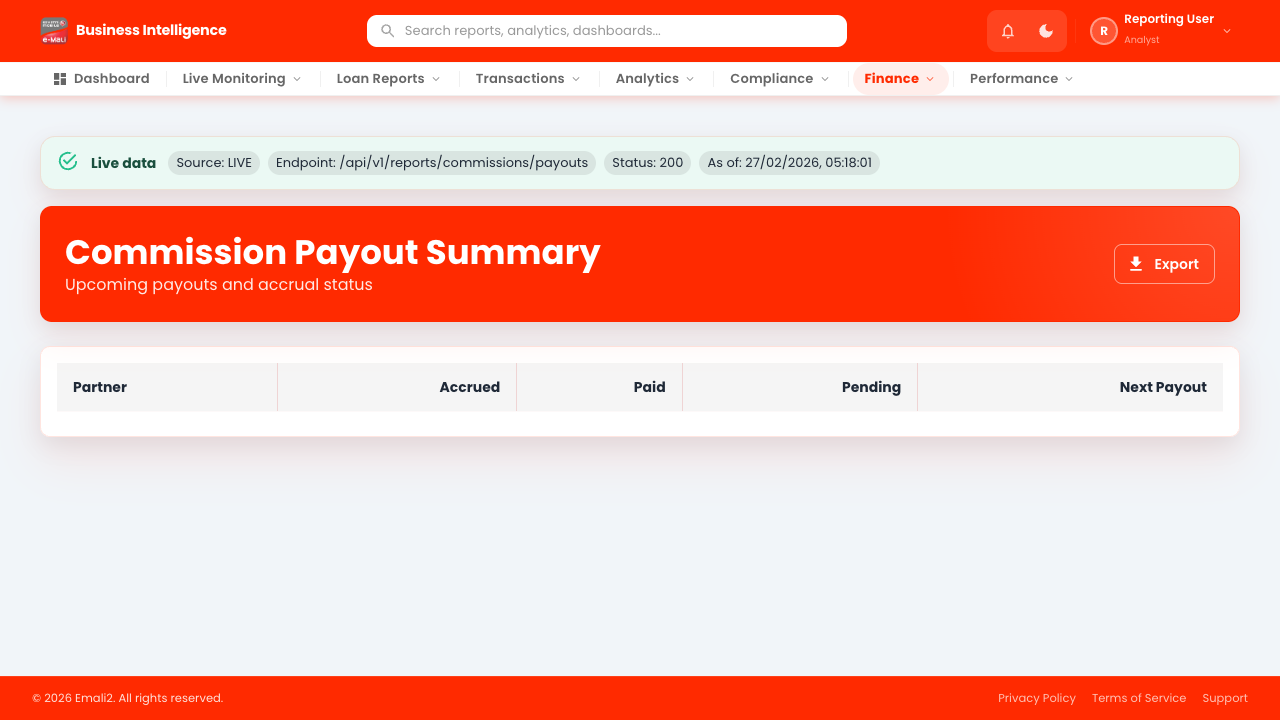
- Page URL:
/app/commission-payouts - Who this page is for: Business intelligence, compliance, and operations analysts
- What this page is for: Analyze commission payout trends.
- Navigation behavior: Opens directly on
/app/commission-payouts.
What You Can Do Here
- Review summary cards, status chips, and alerts at the top of the page.
- Use filters, search fields, and quick actions to locate the right records.
- Use on-page actions to complete your task and verify the resulting state.
Current Behavior Notes
- Validation status: OK
- Observed note: Page loads with expected primary UI components in the test environment.
32. Experimental - Settlements
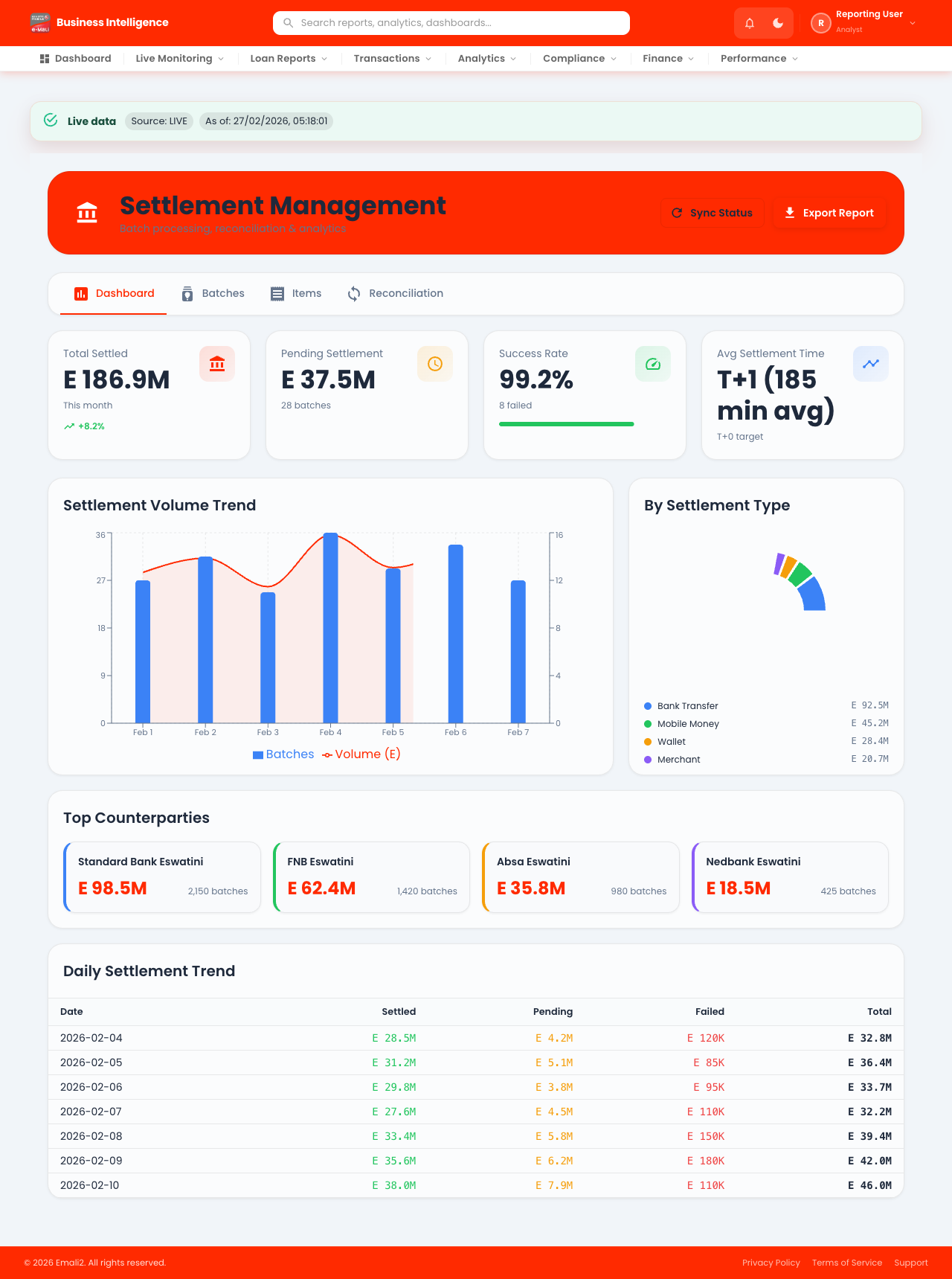
- Page URL:
/app/experimental/settlements - Who this page is for: Business intelligence, compliance, and operations analysts
- What this page is for: Use this page to manage experimental - settlements workflows.
- Navigation behavior: Opens directly on
/app/experimental/settlements.
What You Can Do Here
- Review summary cards, status chips, and alerts at the top of the page.
- Use filters, search fields, and quick actions to locate the right records.
- Use on-page actions to complete your task and verify the resulting state.
Current Behavior Notes
- Validation status: OK
- Observed note: Page loads with expected primary UI components in the test environment.
33. Experimental - Balance Sheet
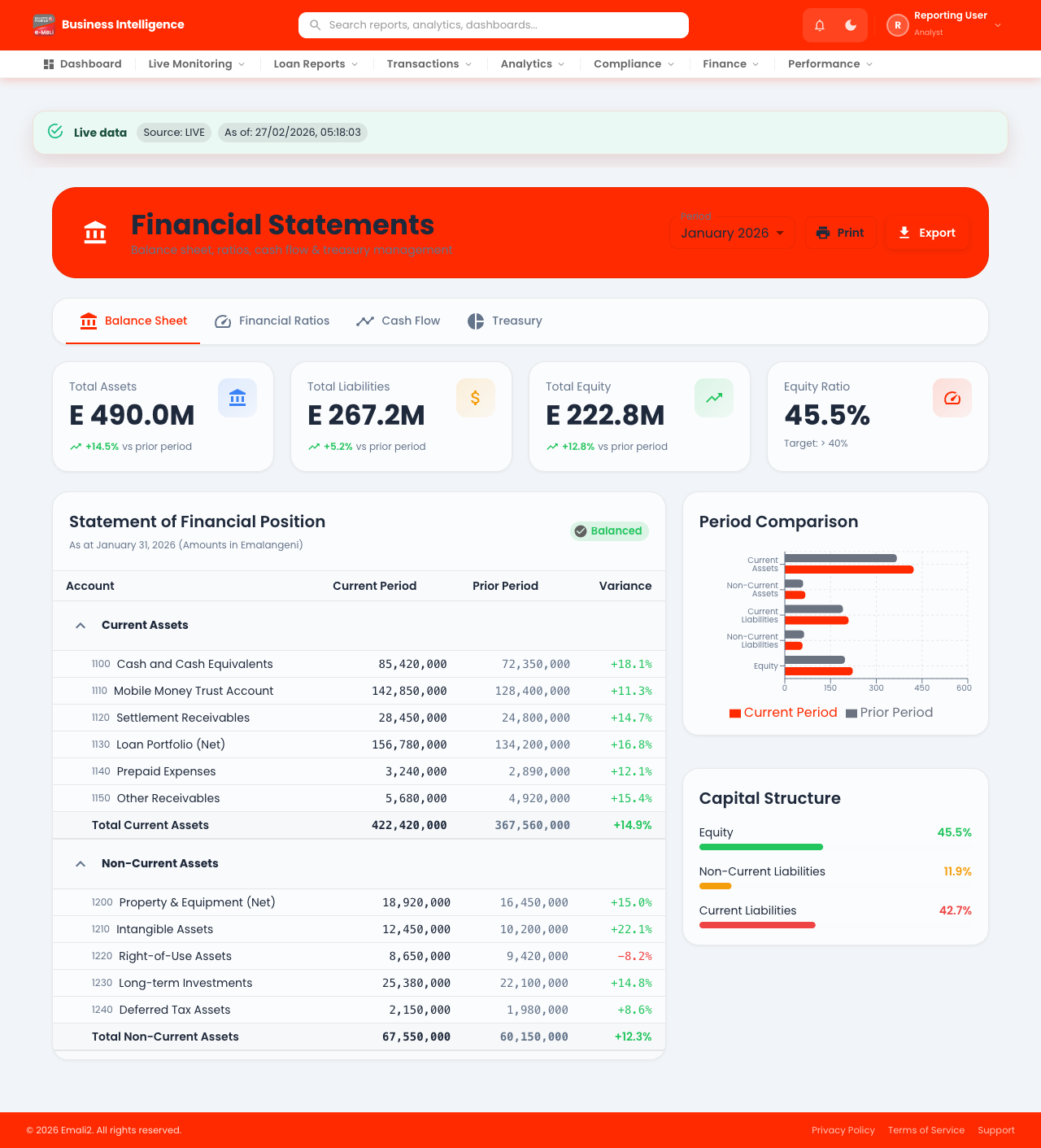
- Page URL:
/app/experimental/balance-sheet - Who this page is for: Business intelligence, compliance, and operations analysts
- What this page is for: Use this page to manage experimental - balance sheet workflows.
- Navigation behavior: Opens directly on
/app/experimental/balance-sheet.
What You Can Do Here
- Review summary cards, status chips, and alerts at the top of the page.
- Use filters, search fields, and quick actions to locate the right records.
- Use on-page actions to complete your task and verify the resulting state.
Current Behavior Notes
- Validation status: OK
- Observed note: Page loads with expected primary UI components in the test environment.
34. Experimental - Fee Breakdown
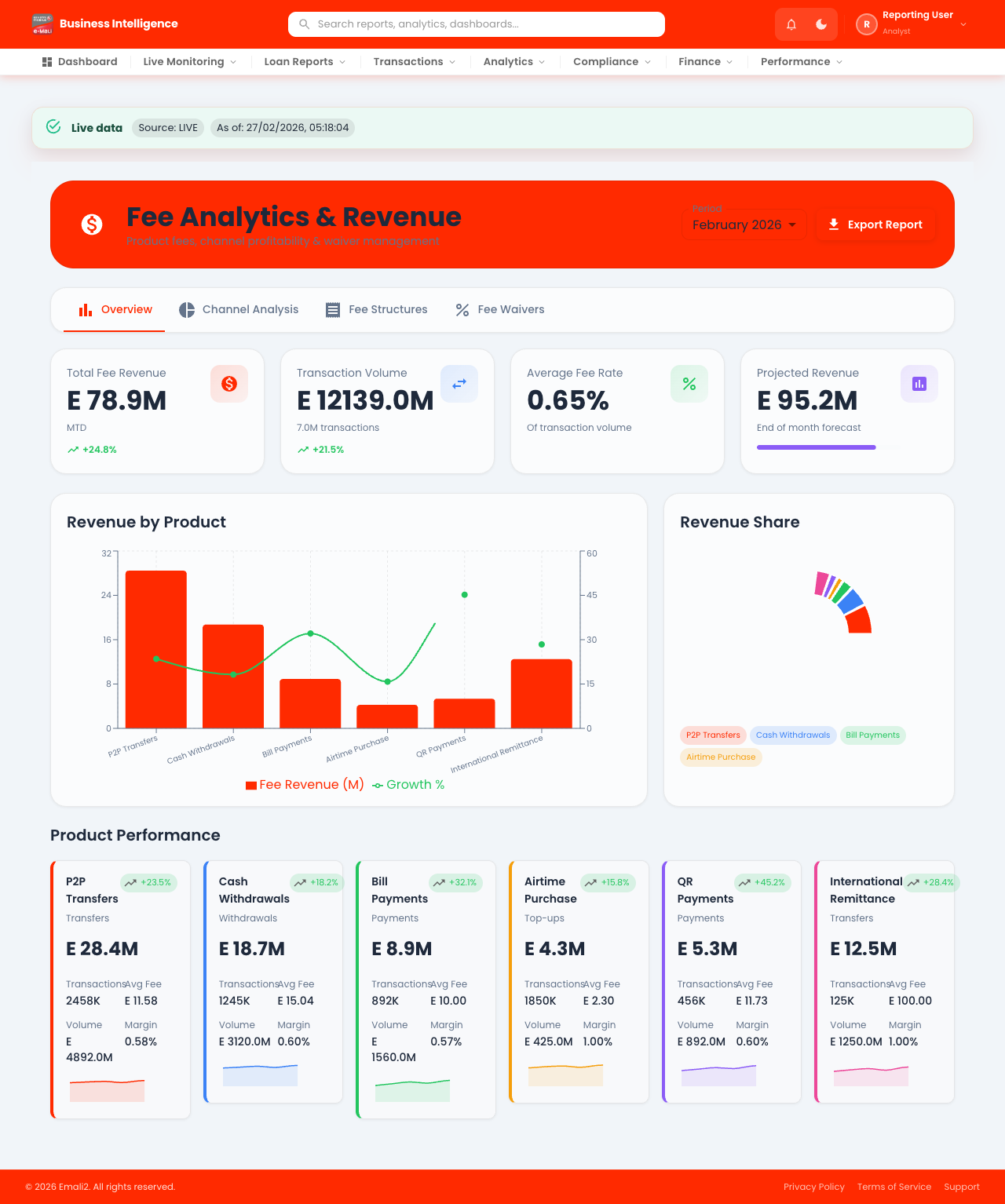
- Page URL:
/app/experimental/fee-breakdown - Who this page is for: Business intelligence, compliance, and operations analysts
- What this page is for: Use this page to manage experimental - fee breakdown workflows.
- Navigation behavior: Opens directly on
/app/experimental/fee-breakdown.
What You Can Do Here
- Review summary cards, status chips, and alerts at the top of the page.
- Use filters, search fields, and quick actions to locate the right records.
- Use on-page actions to complete your task and verify the resulting state.
Current Behavior Notes
- Validation status: OK
- Observed note: Console warnings observed: 6
35. Experimental - Commission Payouts
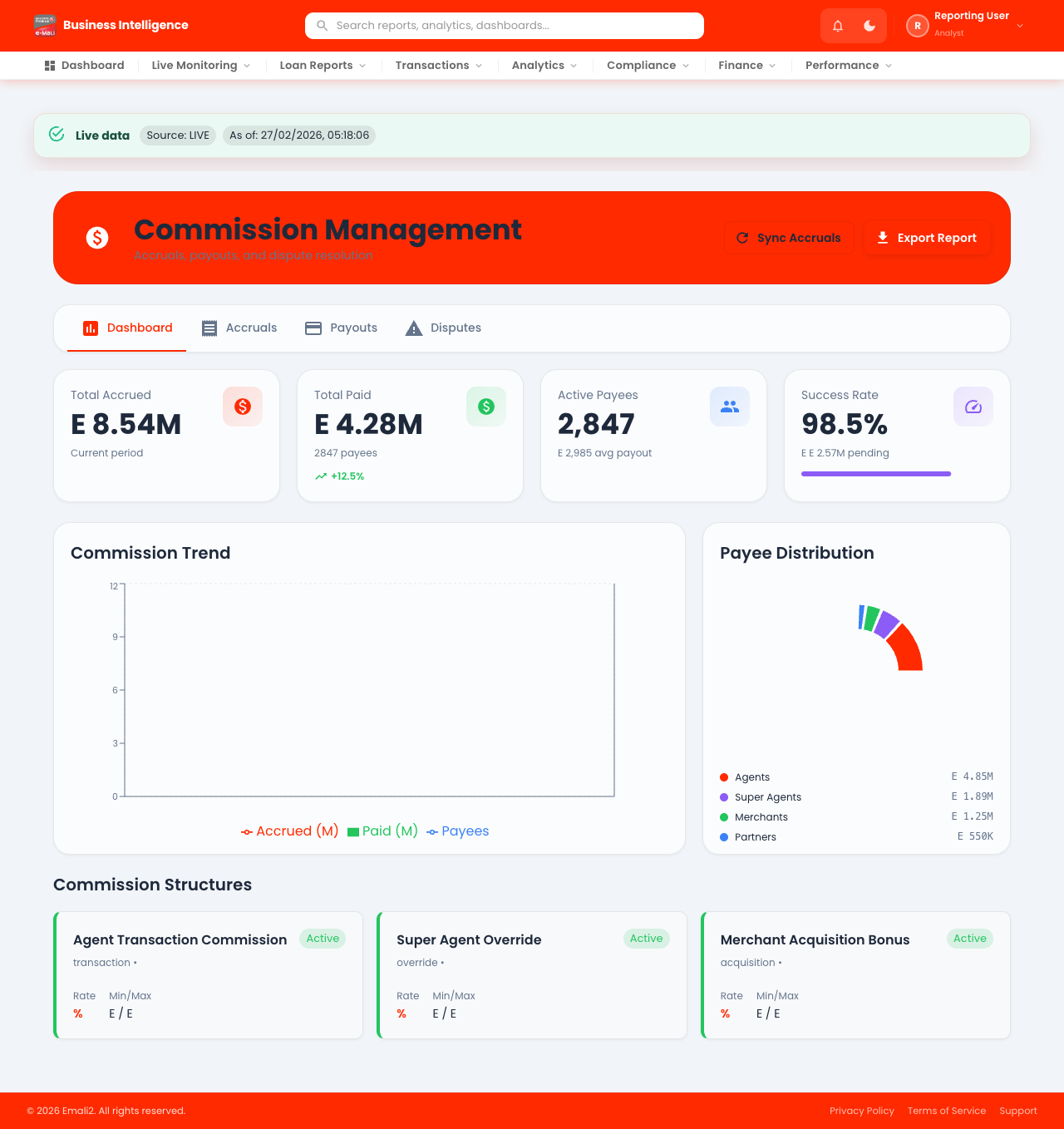
- Page URL:
/app/experimental/commission-payouts - Who this page is for: Business intelligence, compliance, and operations analysts
- What this page is for: Use this page to manage experimental - commission payouts workflows.
- Navigation behavior: Opens directly on
/app/experimental/commission-payouts.
What You Can Do Here
- Review summary cards, status chips, and alerts at the top of the page.
- Use filters, search fields, and quick actions to locate the right records.
- Use on-page actions to complete your task and verify the resulting state.
Current Behavior Notes
- Validation status: OK
- Observed note: Page loads with expected primary UI components in the test environment.