Customer Portal Guide
Portal URL
https://customer.test.emali2.damplabs.com
Source of Truth for This Refresh
- Route tree:
emali2-frontend/apps/customer-portal/src/App.tsx - Loan behavior:
emali2-frontend/apps/customer-portal/src/pages/LoansPage.tsx - Customer API contract:
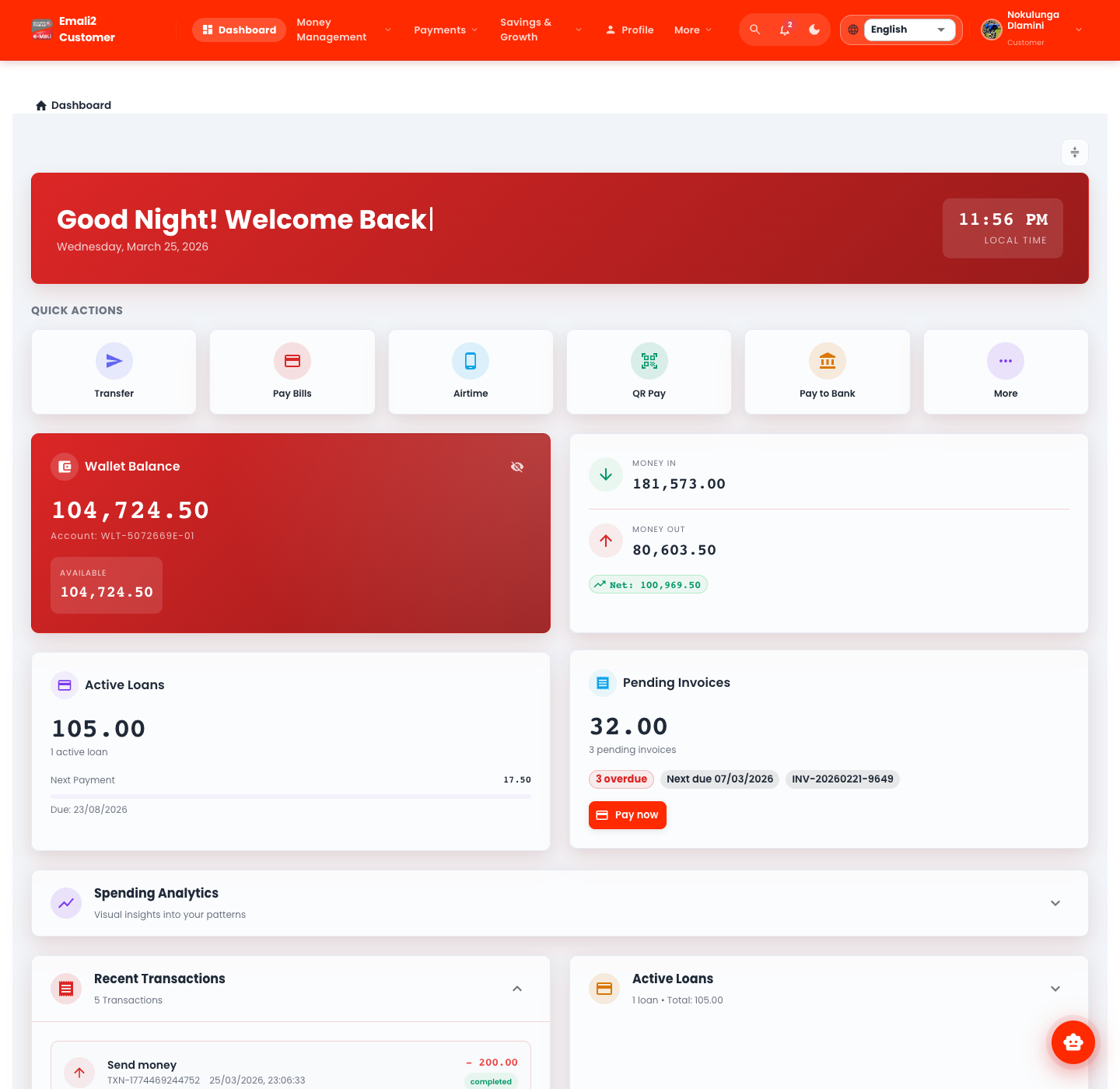
emali2-frontend/apps/customer-portal/src/hooks/useApi.ts - Live browser evidence:
output/playwright/refresh-20260325/usingcustomer1 / password
What Changed
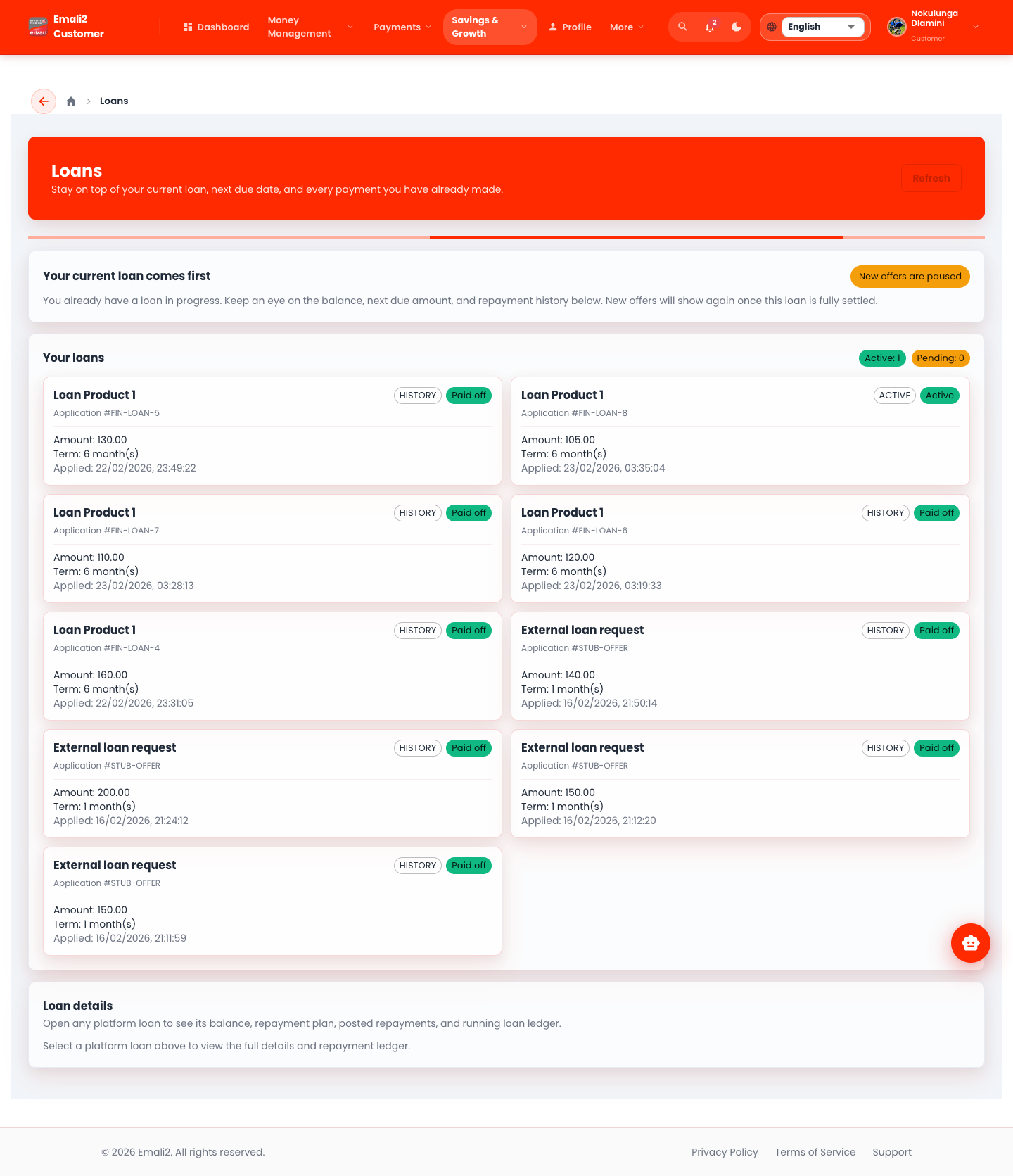
/app/loansnow prioritizes the current live loan before showing new offers.- The loans page explicitly separates active applications from pending applications.
- Loan servicing now exposes repayment progress, repayment schedule, repayment ledger, and outstanding balance details on the same page.
- Repayments are wallet-aware. The customer must choose the wallet to debit, and the request can now include
walletId. - Repayments are normalized to the amount still outstanding. If a customer enters more than the balance due, only the outstanding amount is applied and the excess remains in the selected wallet.
- Loan references are now generated through centralized platform code generation rather than older timestamp-style examples.
What This Guide Covers
- The current route inventory for the public customer portal, including aliases and protected routes.
- Detailed operational guidance for customer money movement, wallet management, loans, security, and support.
- Edge-case handling for loan repayments, insufficient balance, and alias redirects.
Read In This Order
Representative Screens