System Admin Console Guide
Portal URL
https://system-admin.test.emali2.damplabs.com
What This Guide Covers
The System Admin Console is the restricted platform administration workspace for system users, organizations, configuration, feature flags, API management, server metrics, health checks, audit logs, and settings.
Current Live Evidence
- Browser evidence captured on 2026-07-01 from the test environment using the documented system-admin test account.
- The dashboard, users, health checks, and audit logs routes rendered successfully.
- Screenshots were clipped to avoid publishing individual personal identifiers and implementation-specific infrastructure labels.
Representative Screens
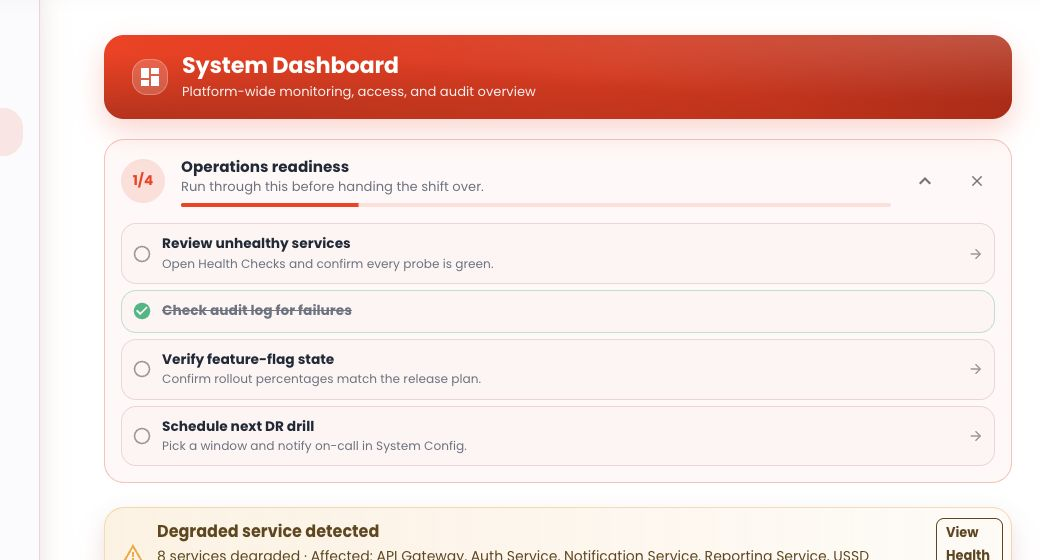
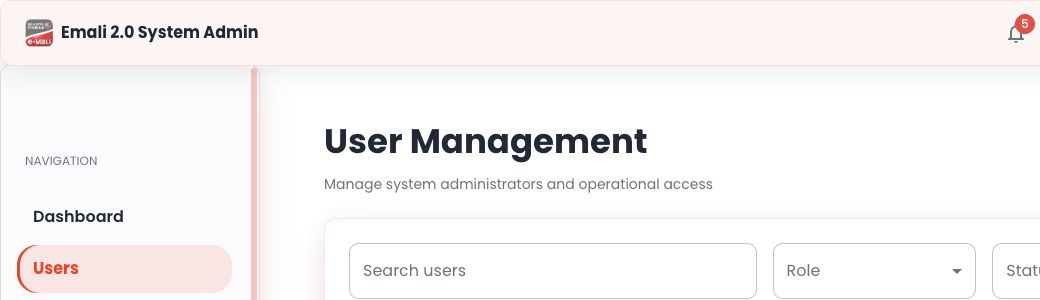
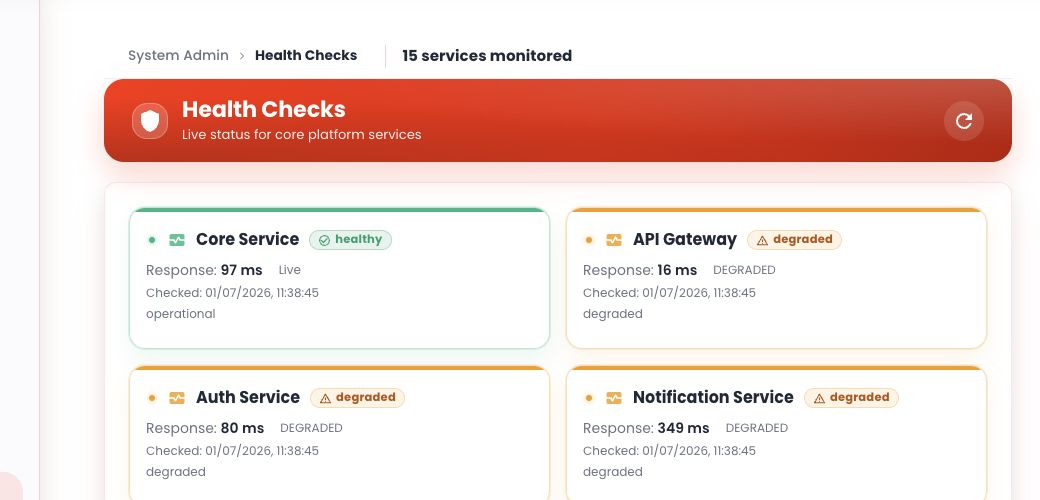

Core Workflow
- Open the System Admin Console and sign in with a system-admin IAM role.
- Start from
Dashboardto review readiness tasks, recent audit activity, and service-health status. - Open
Usersto search, filter, and review platform access assignments. - Open
Health Checksto review live service state and response timing. - Open
Audit Logsto filter, export, and investigate platform activity.
Operational Notes
- User-management screenshots should avoid exposing personal identifiers unless there is a specific internal review need.
- Health screenshots should use the public service labels shown to operations teams and avoid low-level infrastructure product names.
- Audit-log exports can include sensitive operational context; publish only filtered or redacted evidence.